SaaSFrame
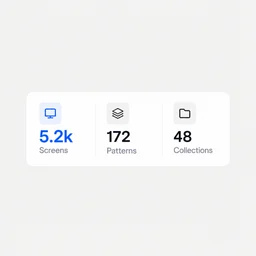
5,481 screens, 327 SaaS, updated weekly
SaaS UI & UX design inspirationFind the screen you were about to design.
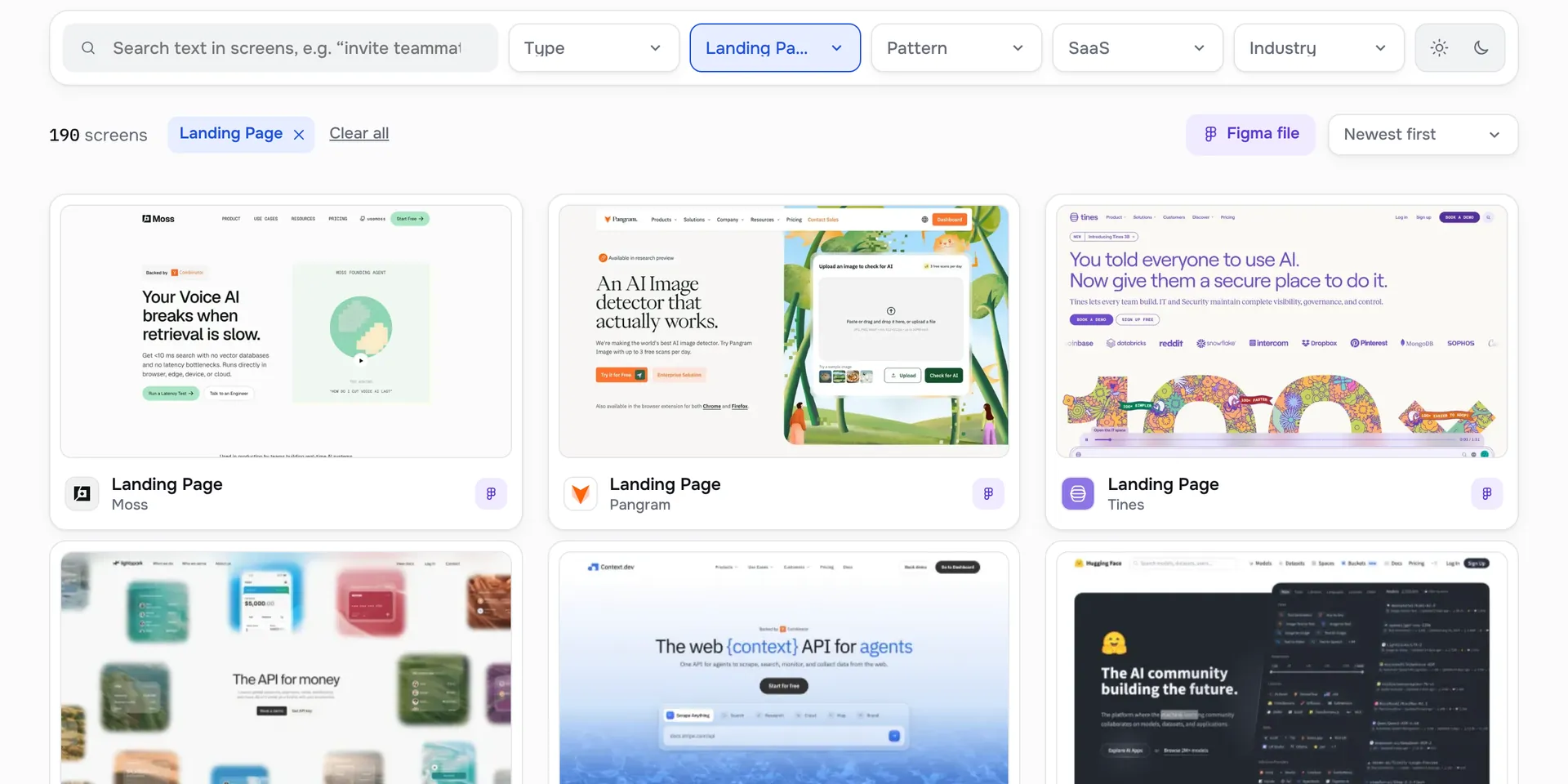
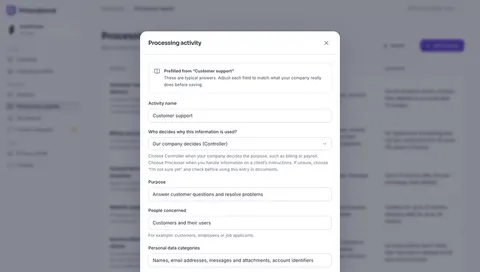
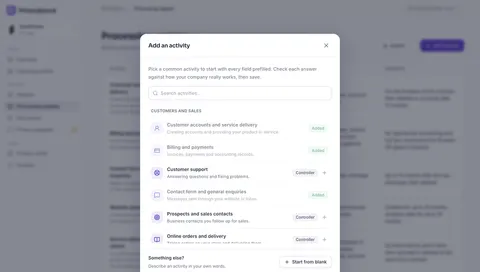
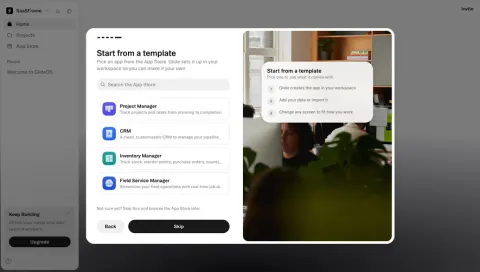
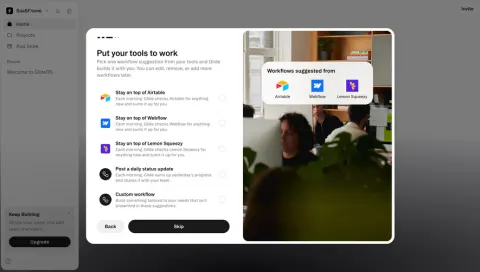
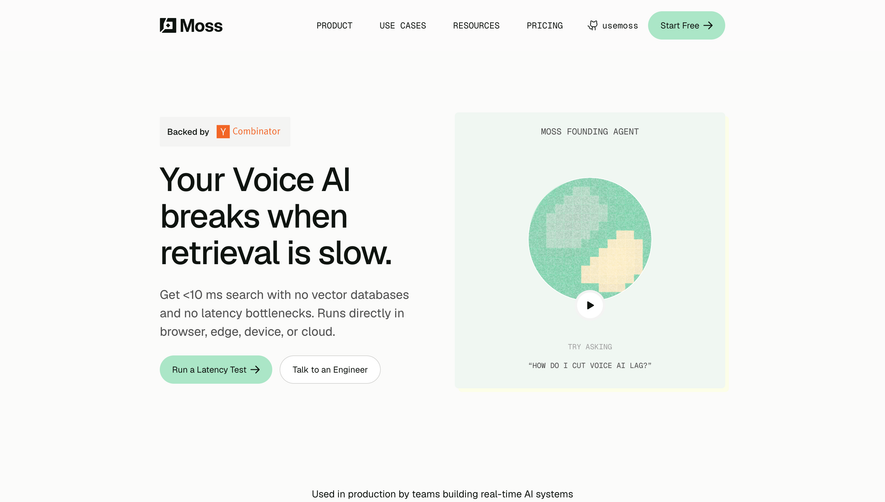
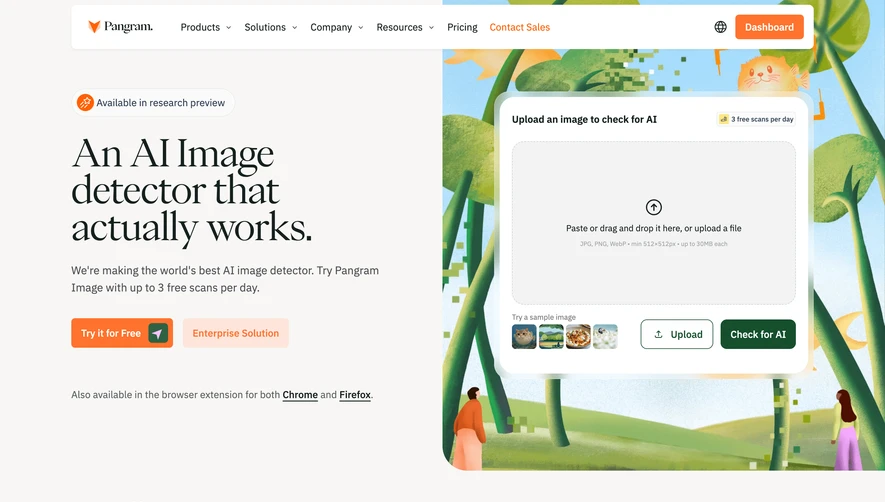
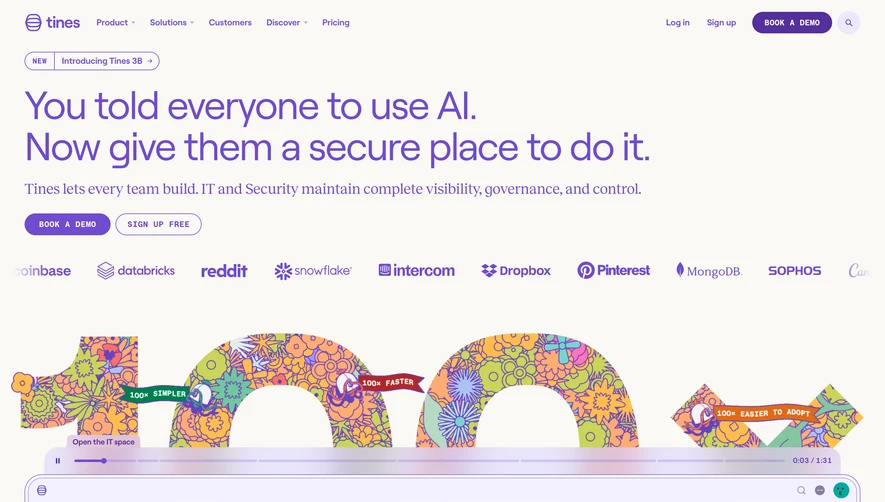
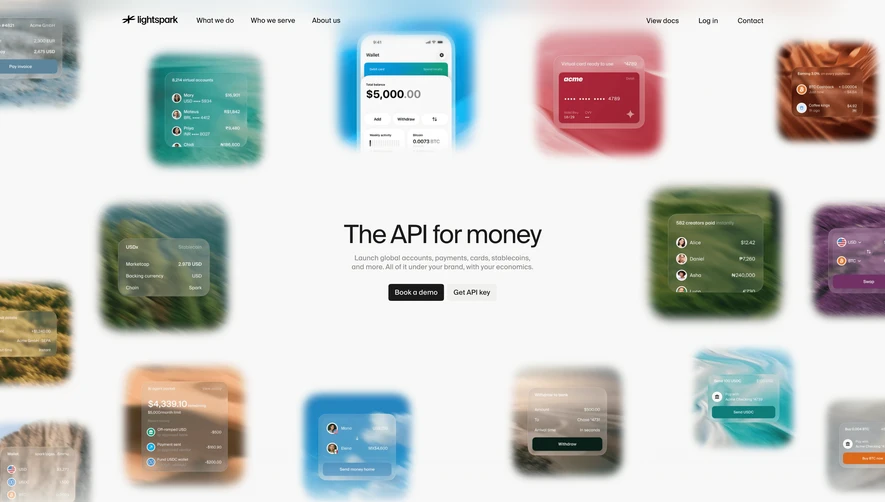
The SaaS UI & UX design inspiration library: real websites, product screens, patterns and user flows, searchable down to the words inside them.
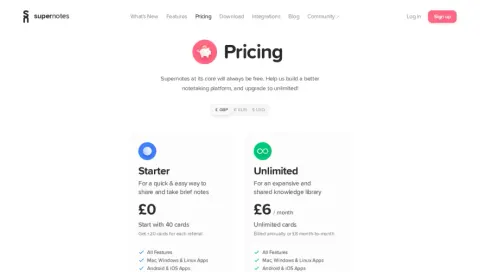
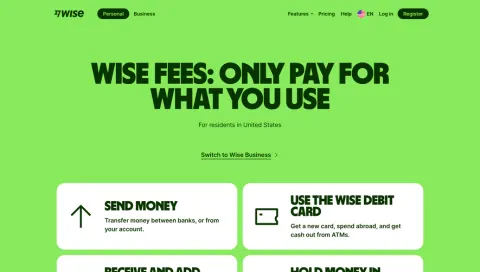
Search by category
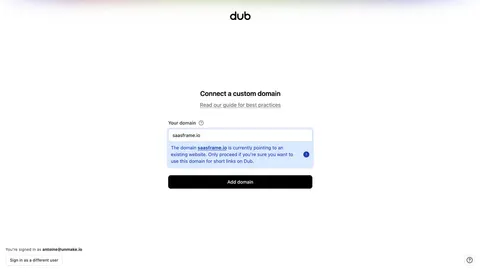
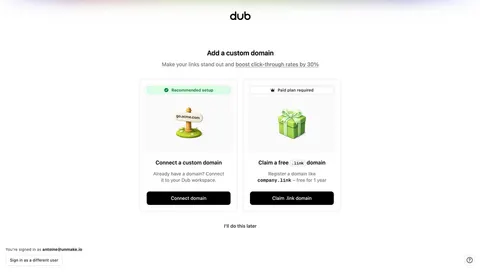
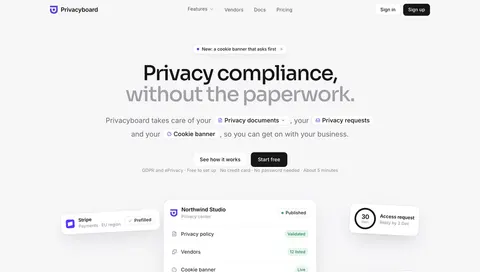
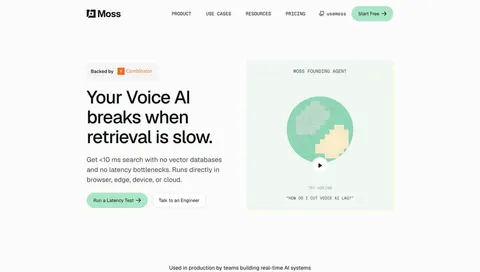
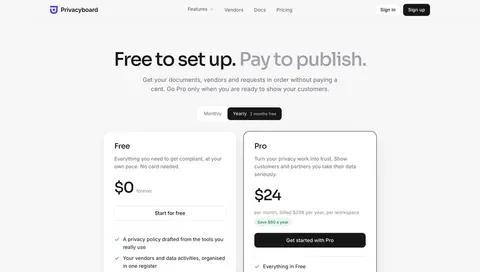
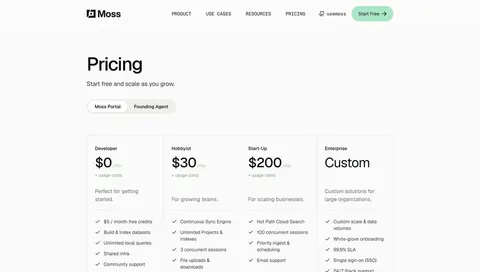
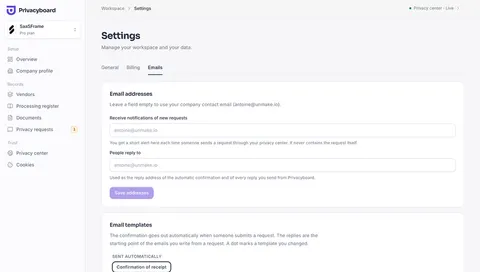
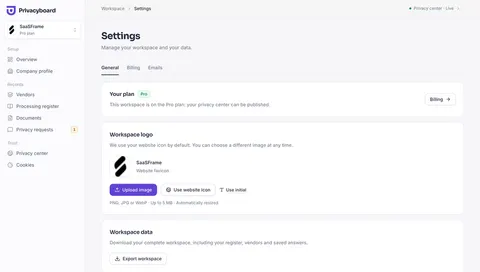

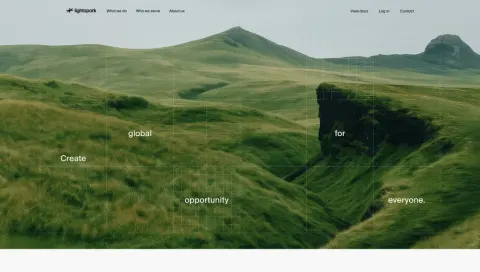
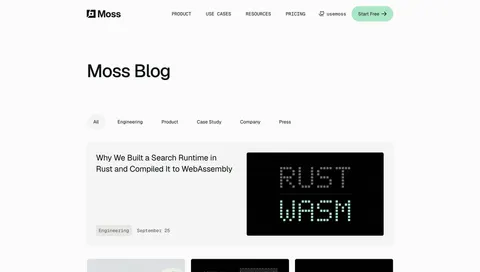
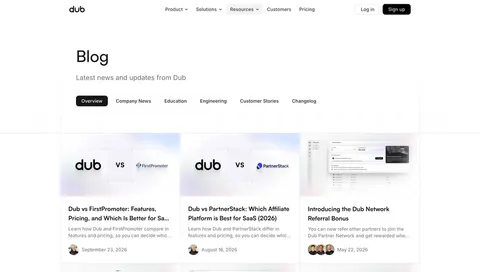

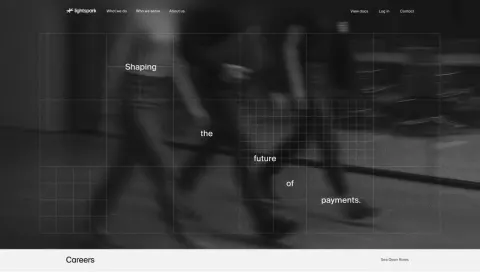
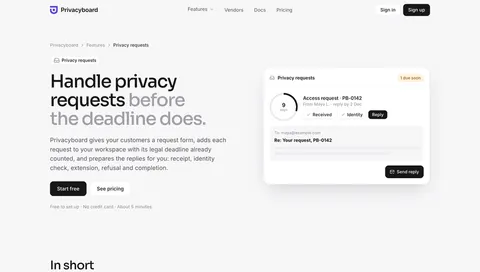
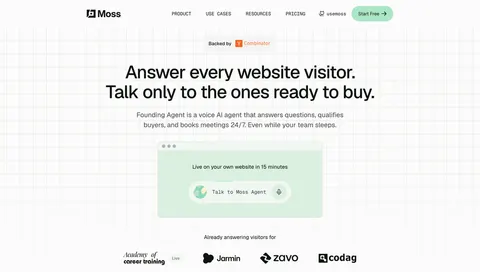
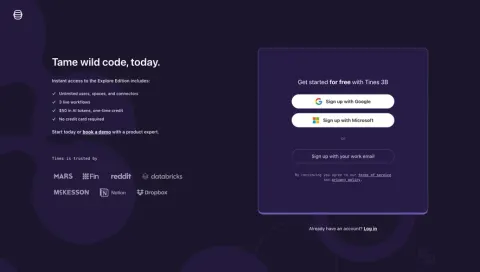
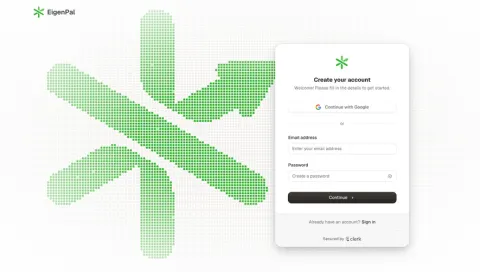
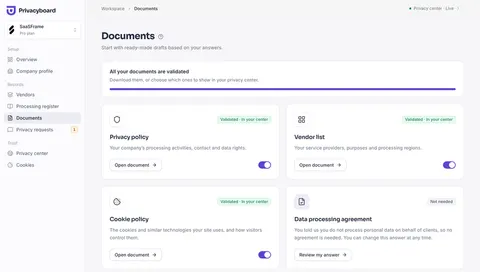
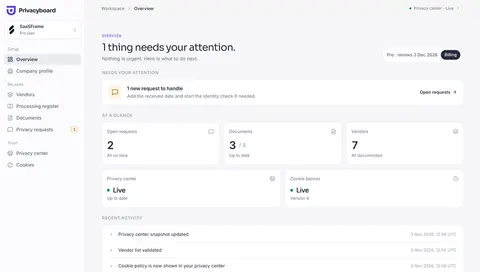
Explore patterns

Latest SaaS
All SaaS






Why SaaSFrame
Everything you need to research SaaS design
The biggest SaaS library
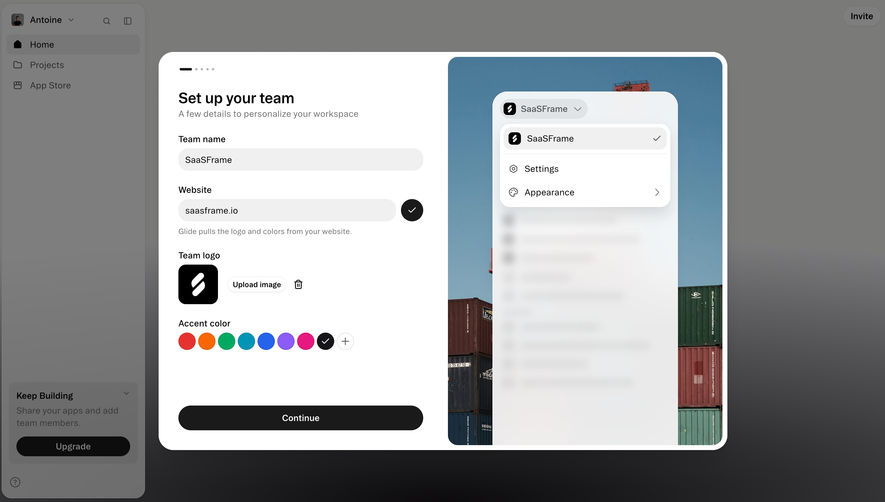
5,481 website pages and product screens from 327 SaaS, updated every week.












Filters that count for you
Type, category, pattern, SaaS, industry, theme: every option shows how many screens match before you click.
Search inside screenshots
Type any word and find every screen that shows it: we read the text inside each capture.
Copy into Figma
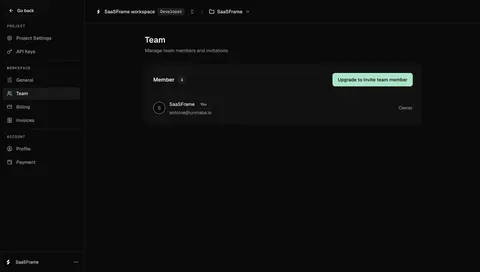
Screens marked Figma come with the page’s Figma design: paste it as editable layers, or download the file. No plugin.
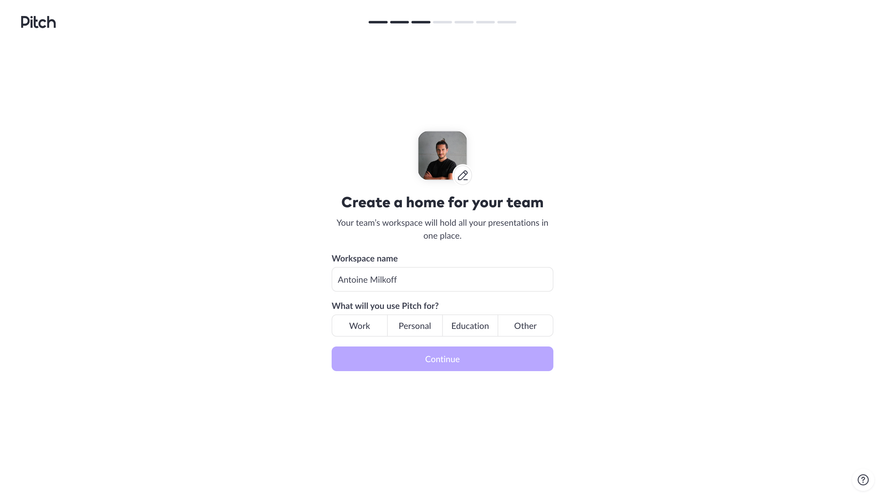
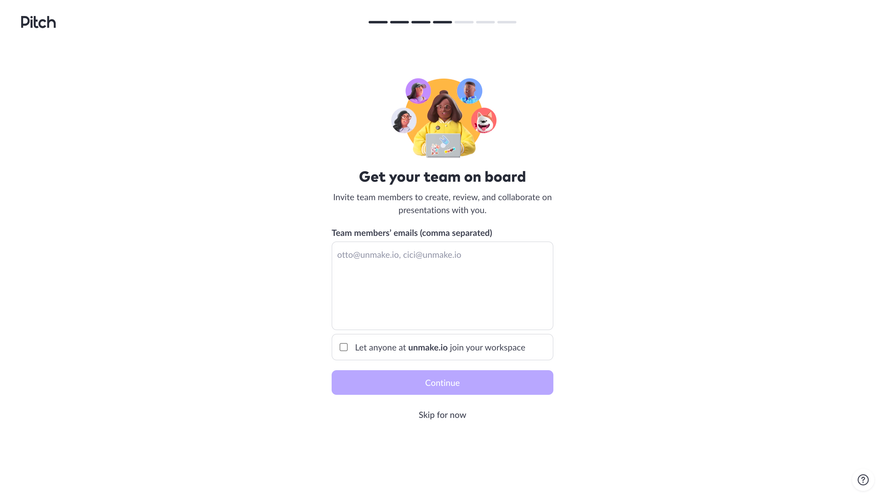
Real user flows
474 journeys captured screen by screen, from signup to settings.
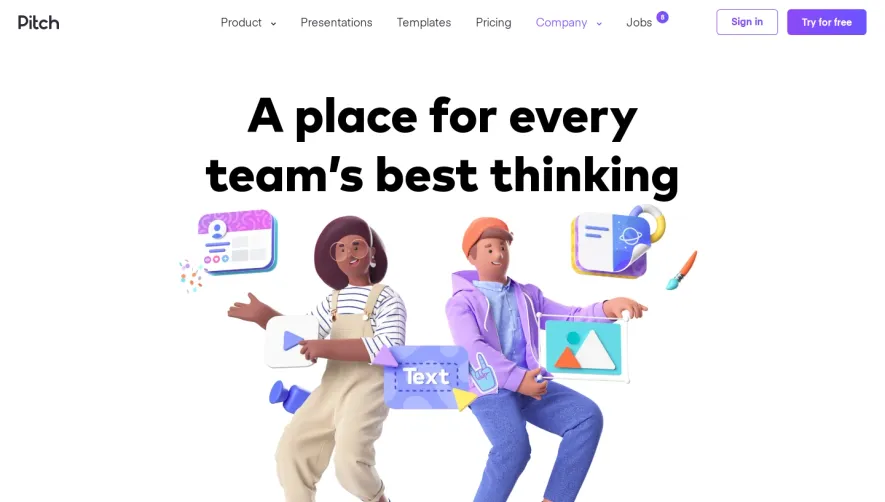
Desktop & mobile
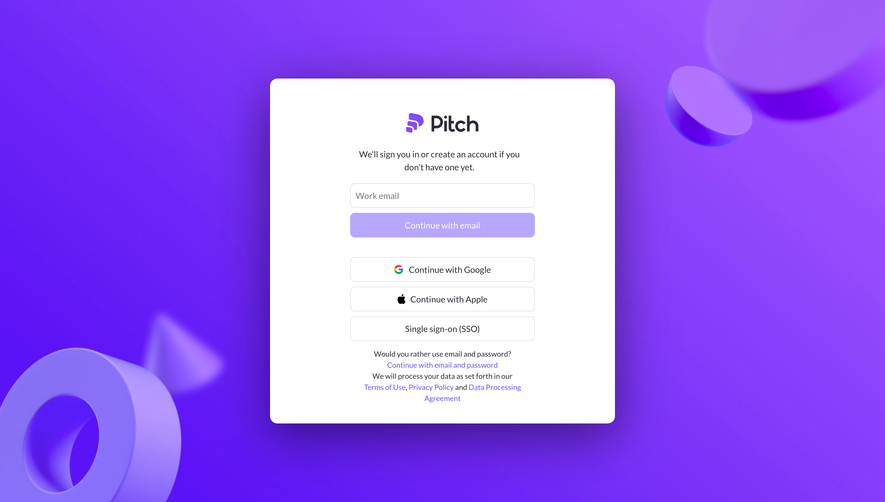
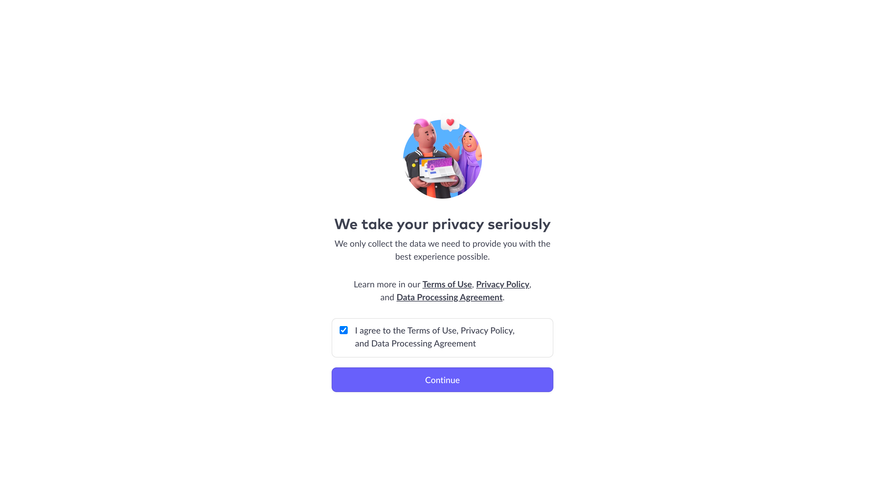
See how the same page adapts on a phone, so you design responsive from the start.

Frequently asked questions
What is SaaSFrame?
SaaSFrame is a UI and UX design inspiration library dedicated to SaaS. It collects real screenshots of SaaS websites and product interfaces, organised by category, pattern, industry and user flow, so designers and founders can study what the best products ship.
Where do the screens come from?
Every screen is captured from the live website or product of a real SaaS company, then tagged by hand with its category, UX patterns, theme and tech stack. New screens are added every week.
Can I copy a design into Figma?
Yes, for screens marked with the Figma icon: they come with the Figma design of the page. With SaaSFrame Pro, Copy in Figma puts the frame on your clipboard as editable layers to paste straight into Figma, and older screens offer the Figma file to download.
Is SaaSFrame free?
You can browse the library, search screens and explore patterns for free. SaaSFrame Pro unlocks every screen in each list, mobile versions, full user flows and Copy in Figma.
How do I search for a specific UI?
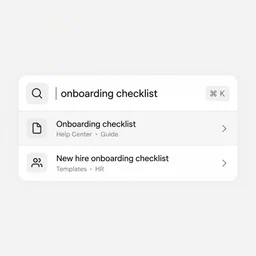
Use the search bar (⌘K) to type a SaaS, a category, a pattern or any words that appear inside a screen. Filters for type, category, pattern, SaaS, industry and theme narrow the results and show how many screens match.
Design with the best SaaS as your reference.
5,481 screens, 474 flows and every pattern from 327 SaaS. Copy their Figma designs with Pro.