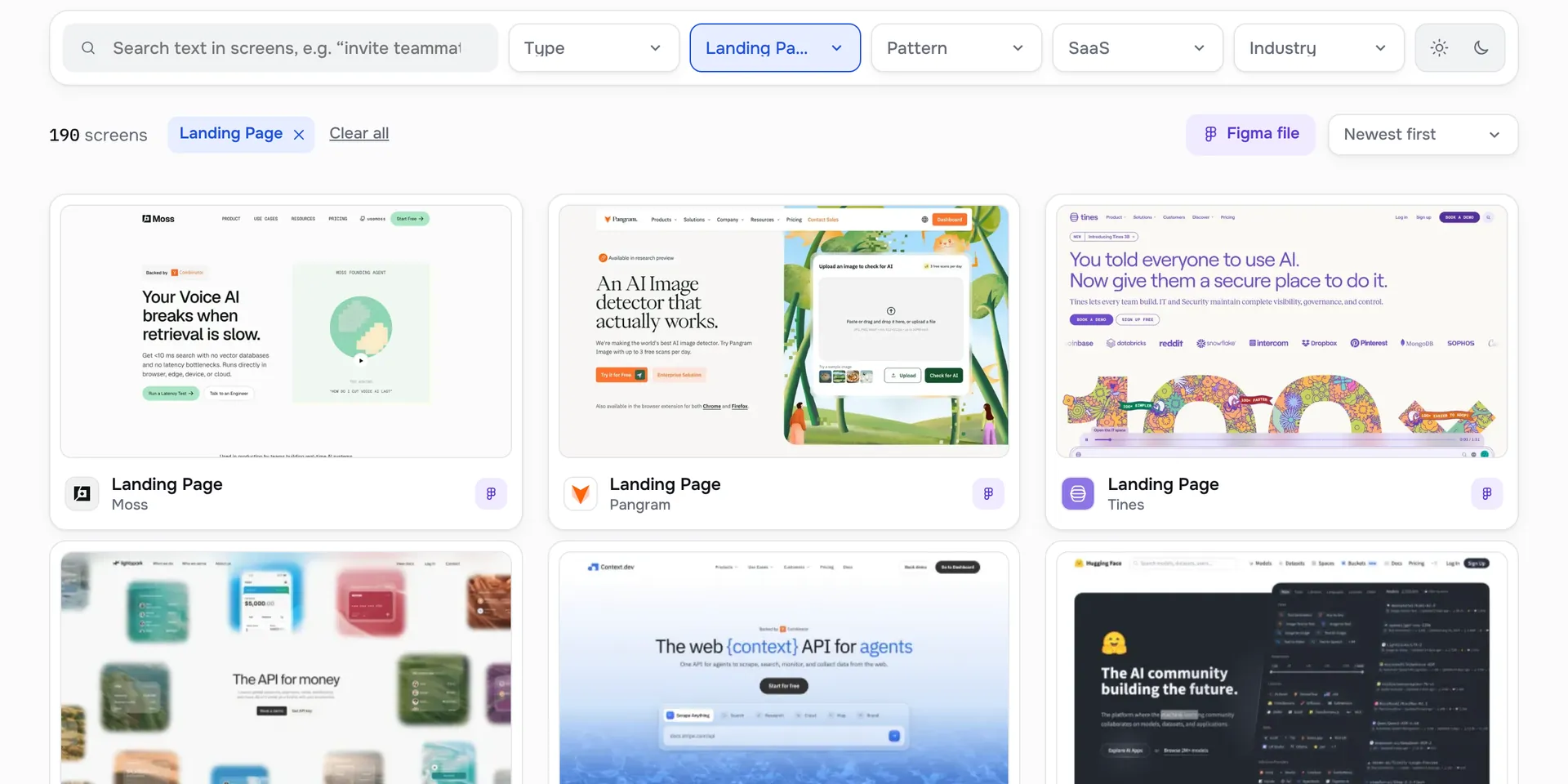
7,076 screens · 346 SaaS · updated weekly
SaaS UI & UX design inspirationFind the screen you were about to design.
The SaaS UI & UX design inspiration library: real websites, product screens, patterns and user flows, searchable down to the words inside them.
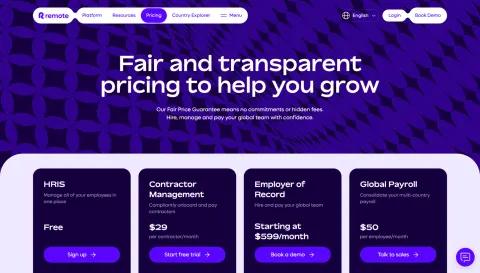
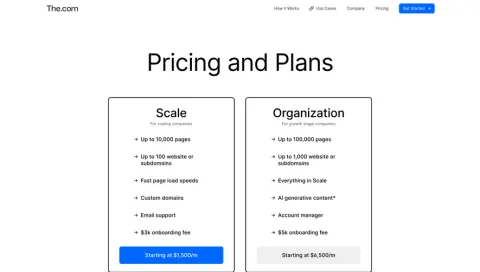
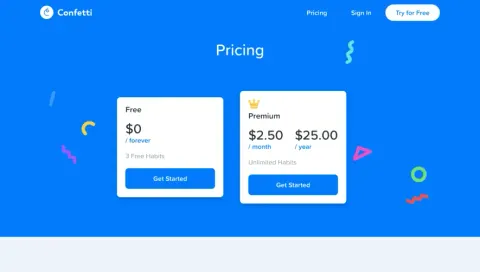
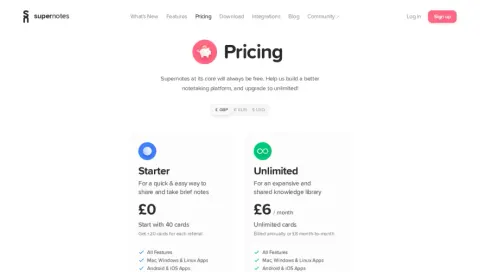
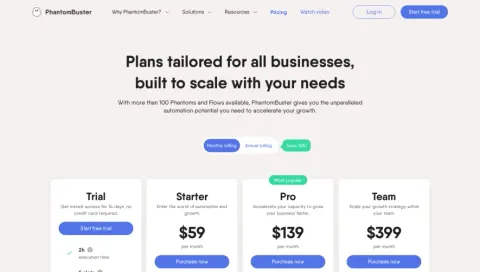
Search by category
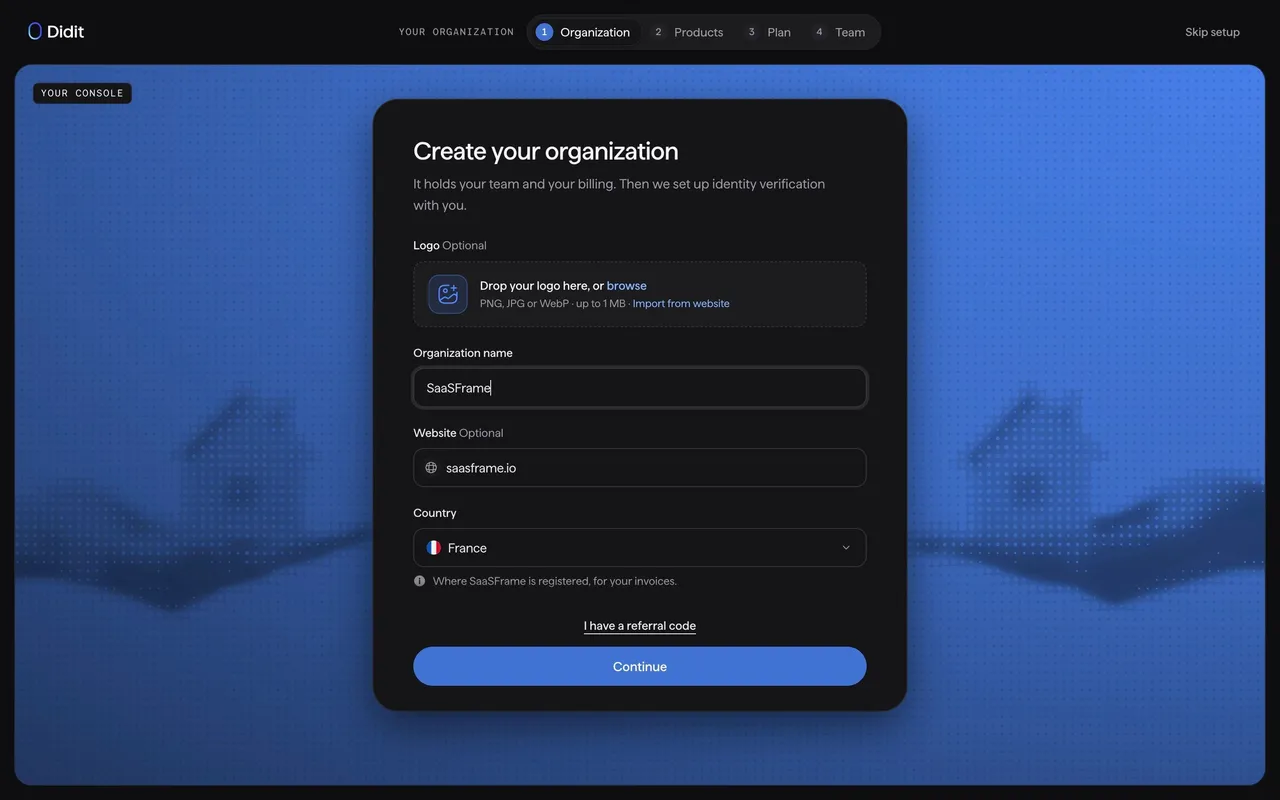
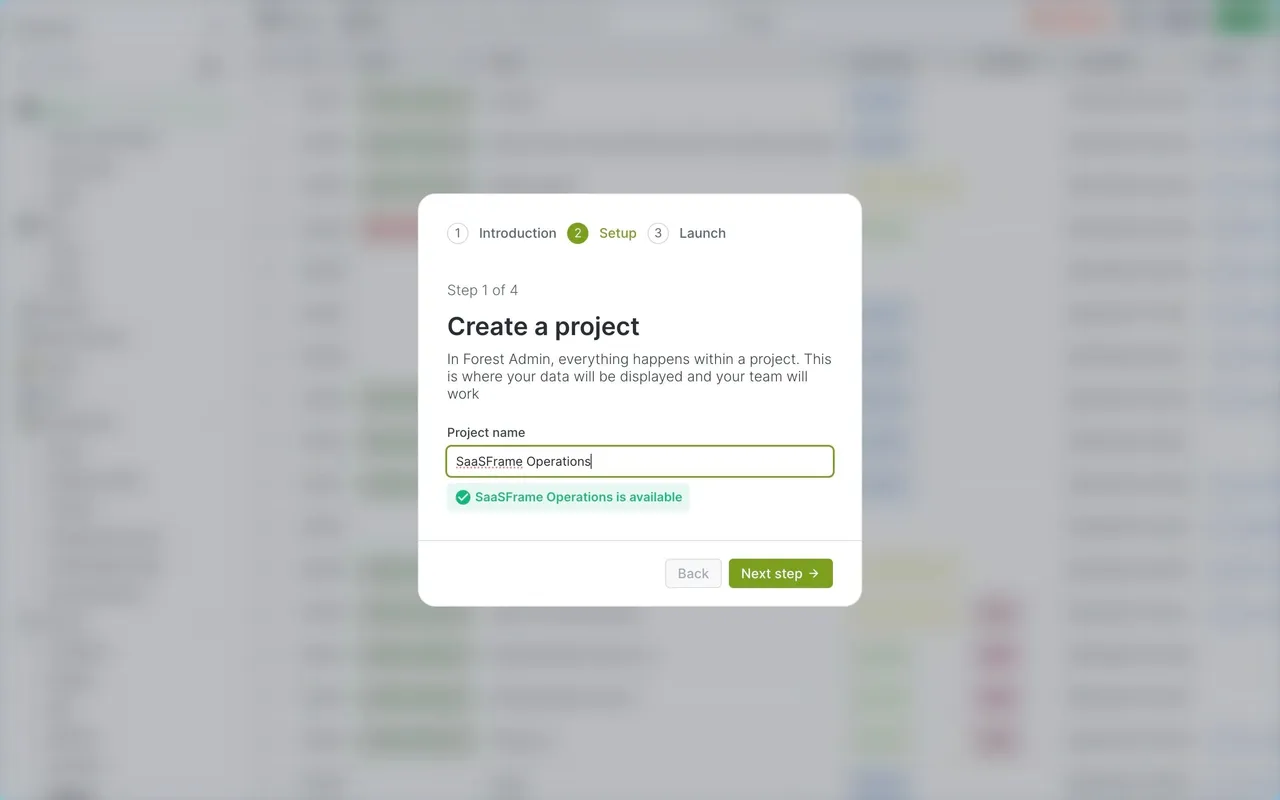
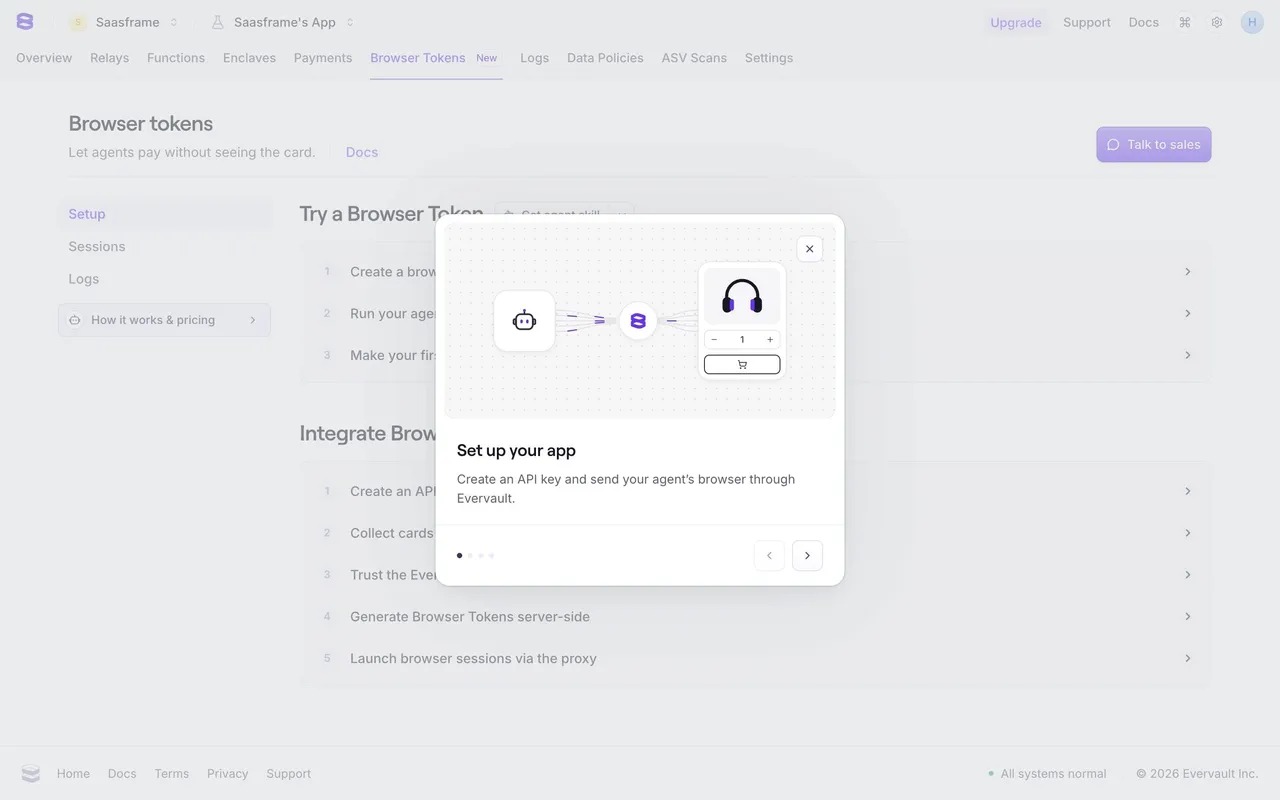
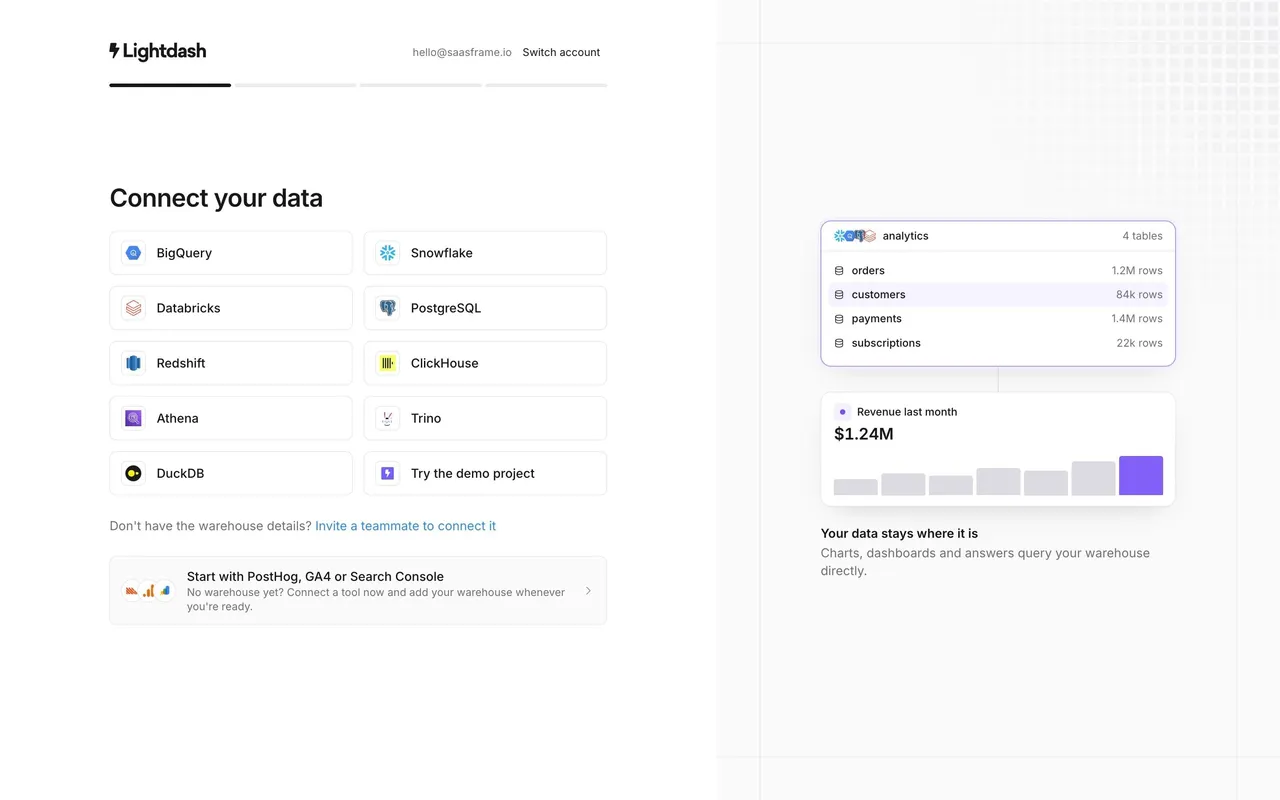
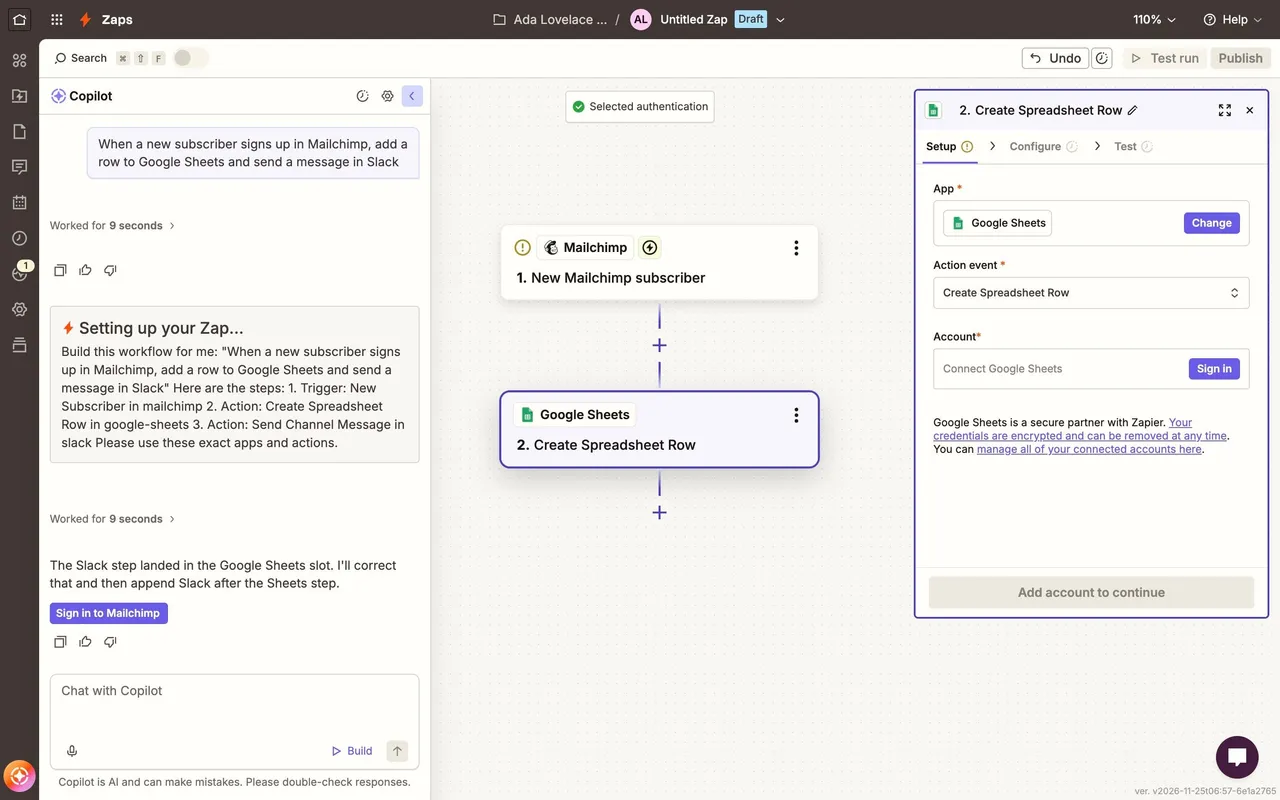
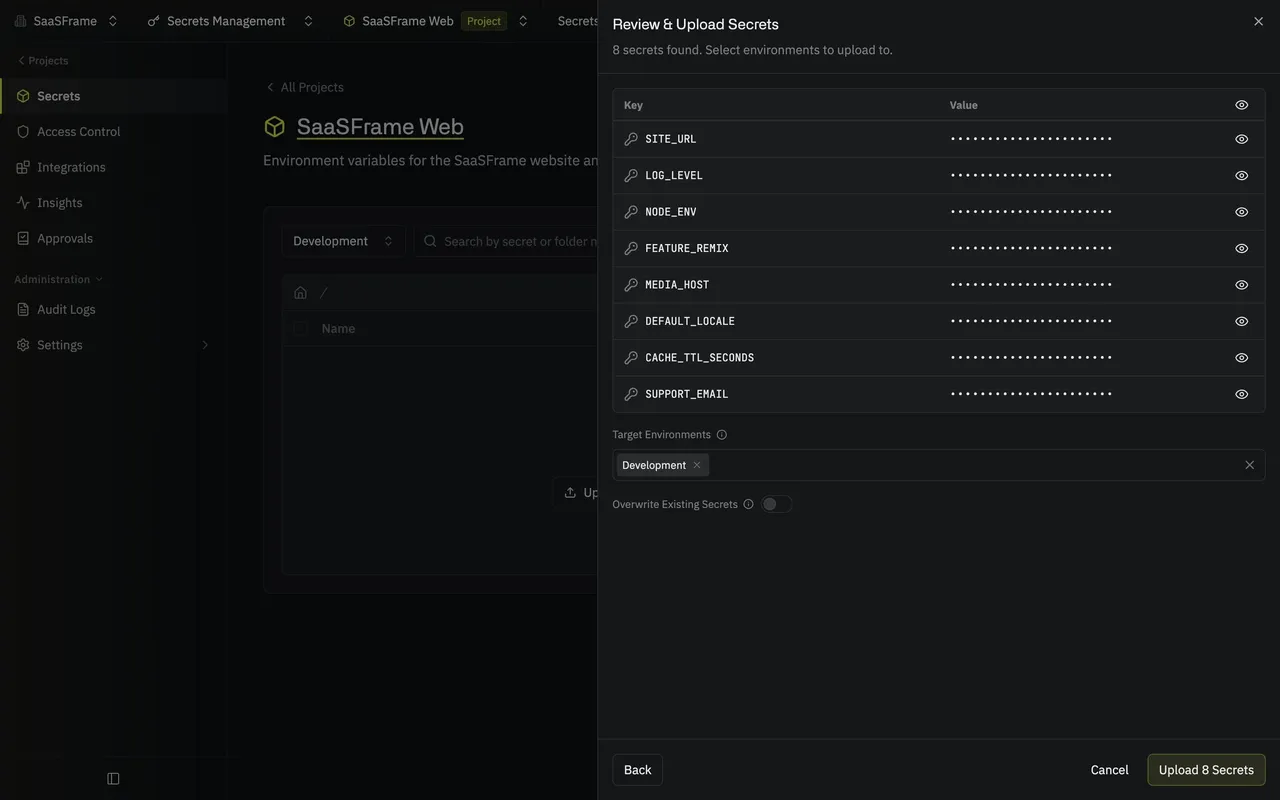

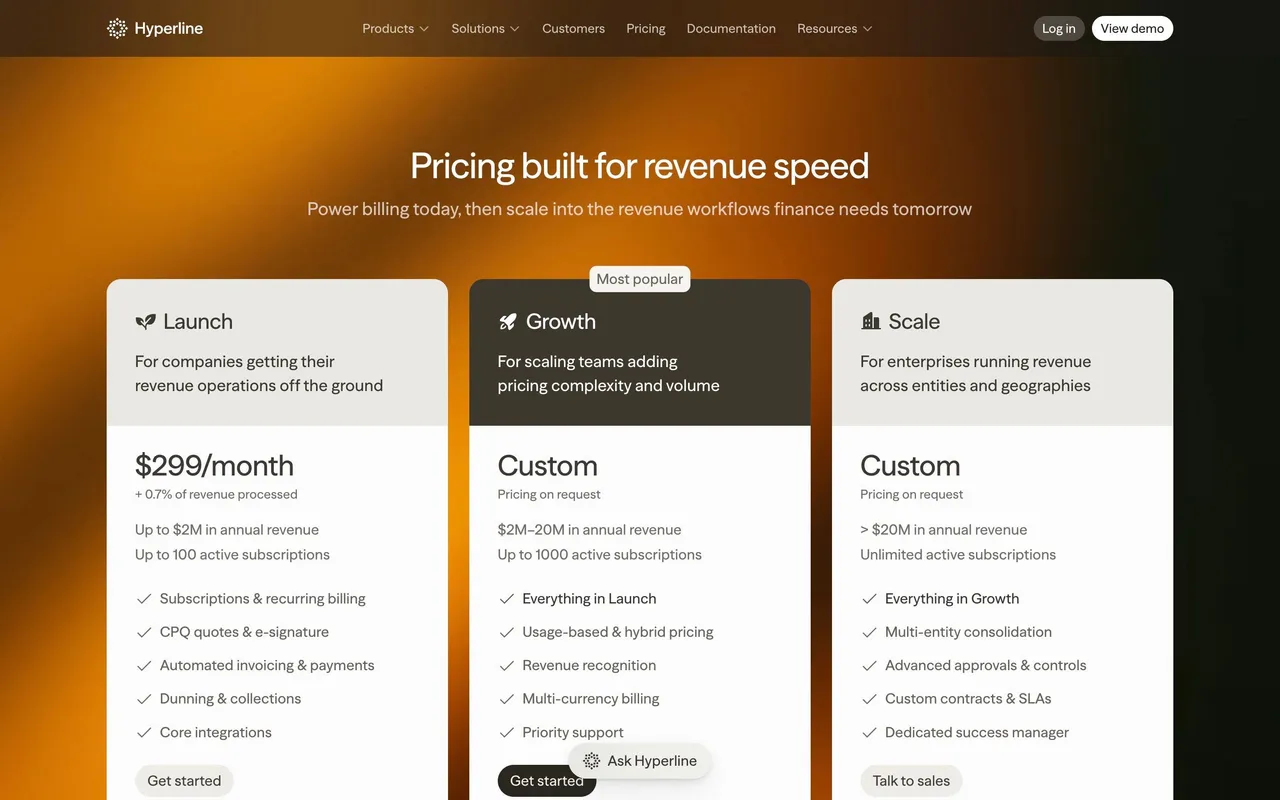

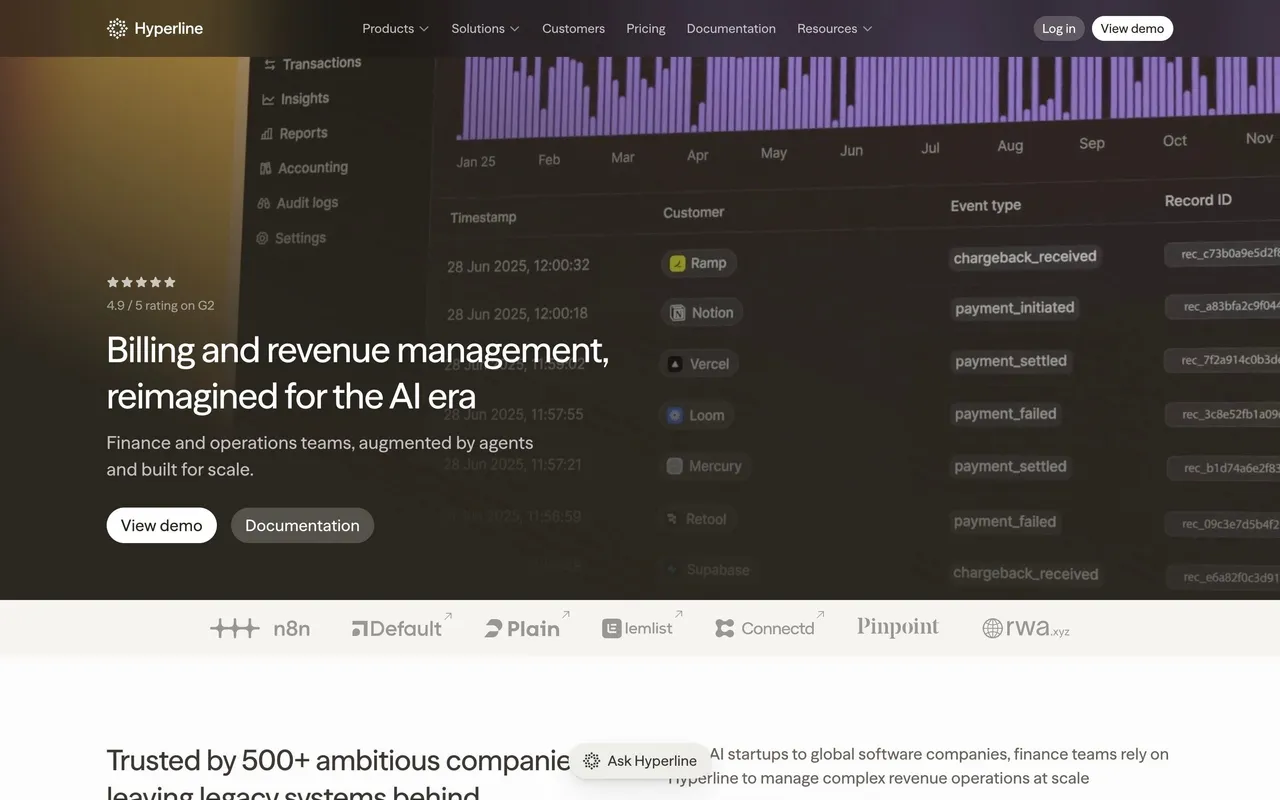
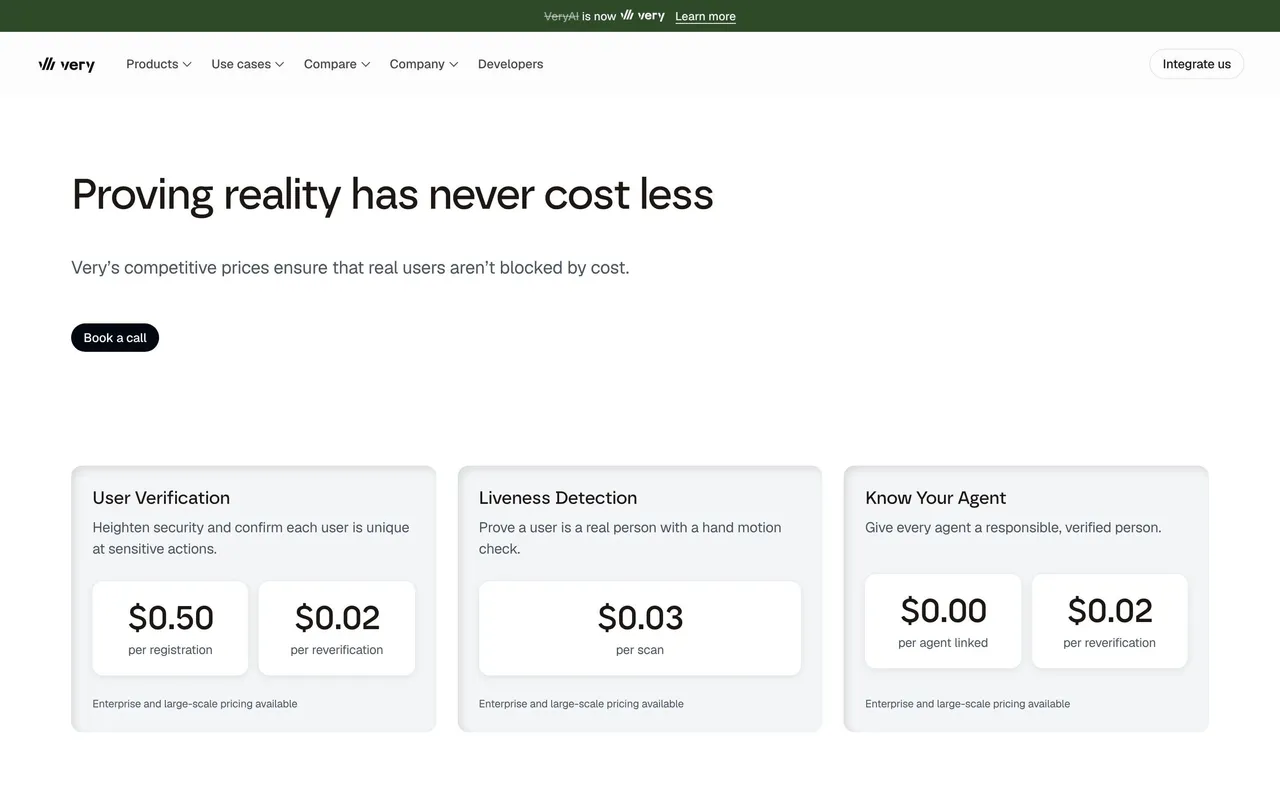
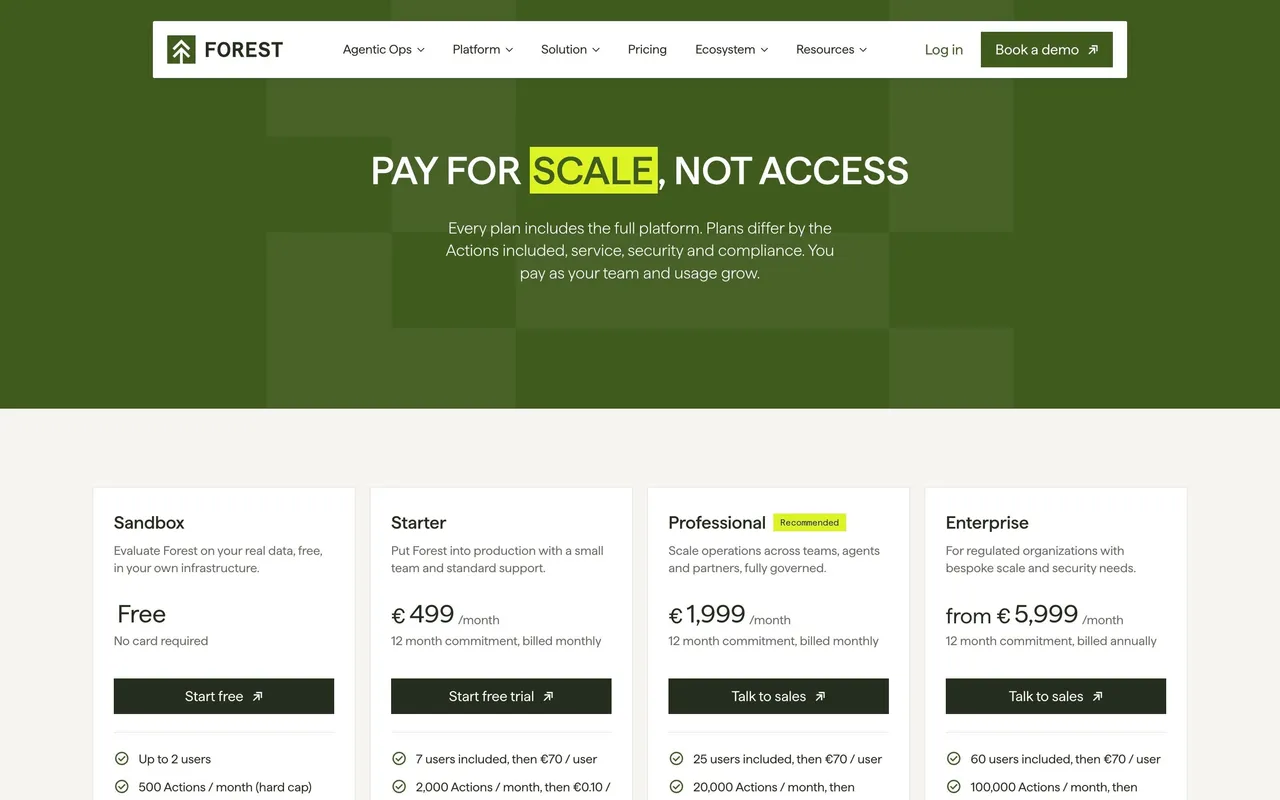
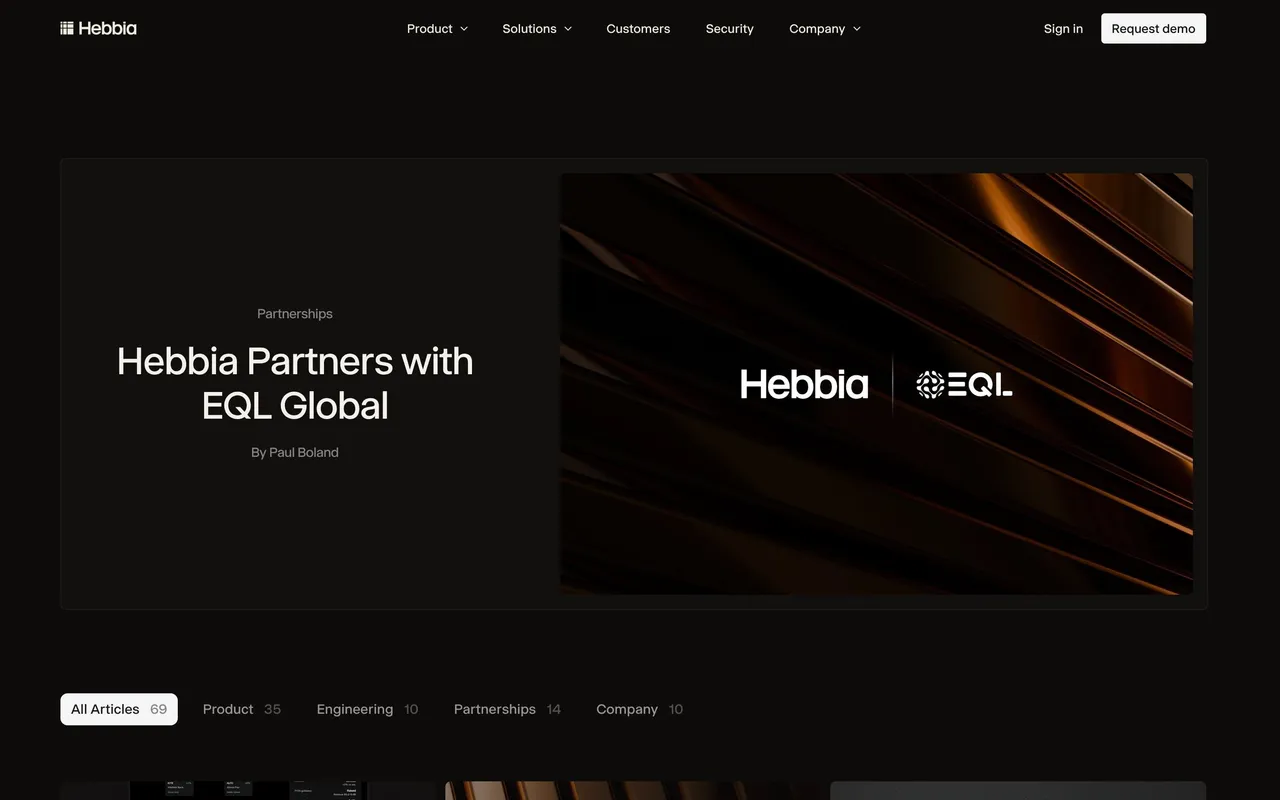
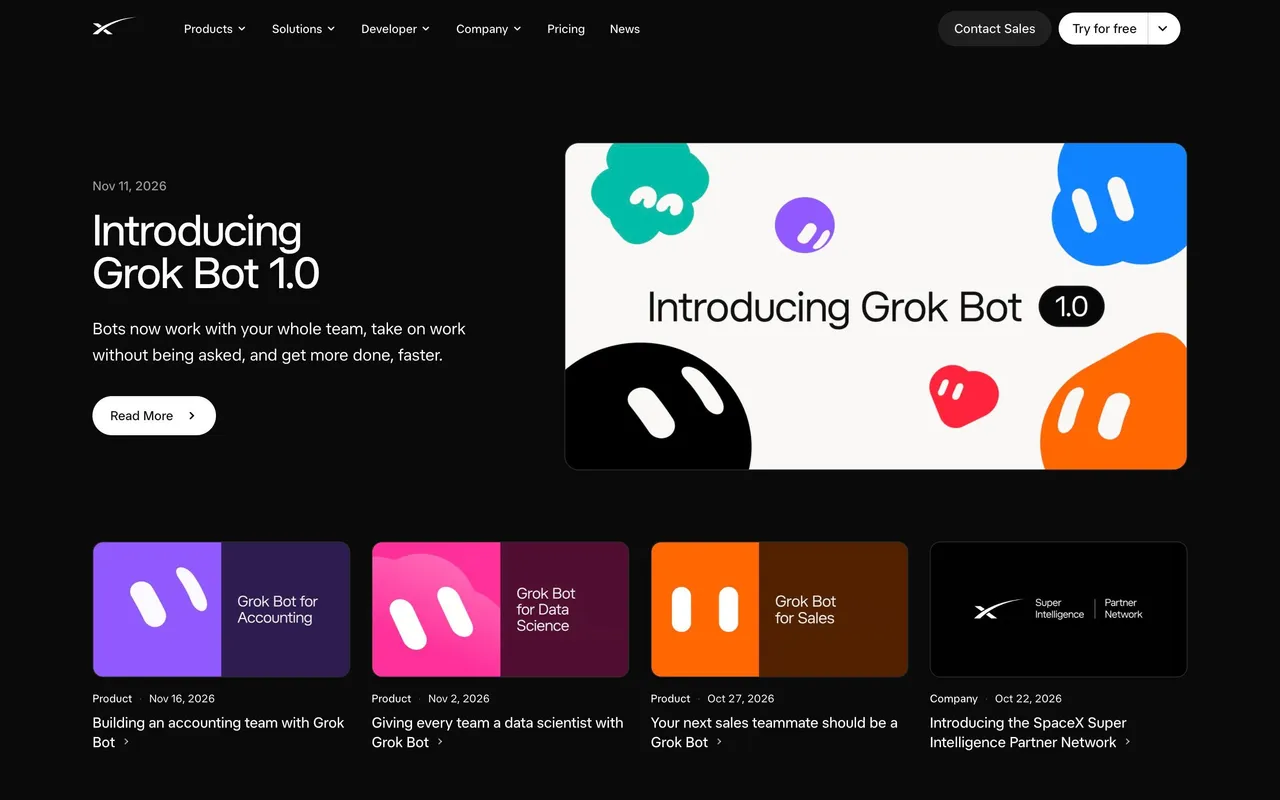
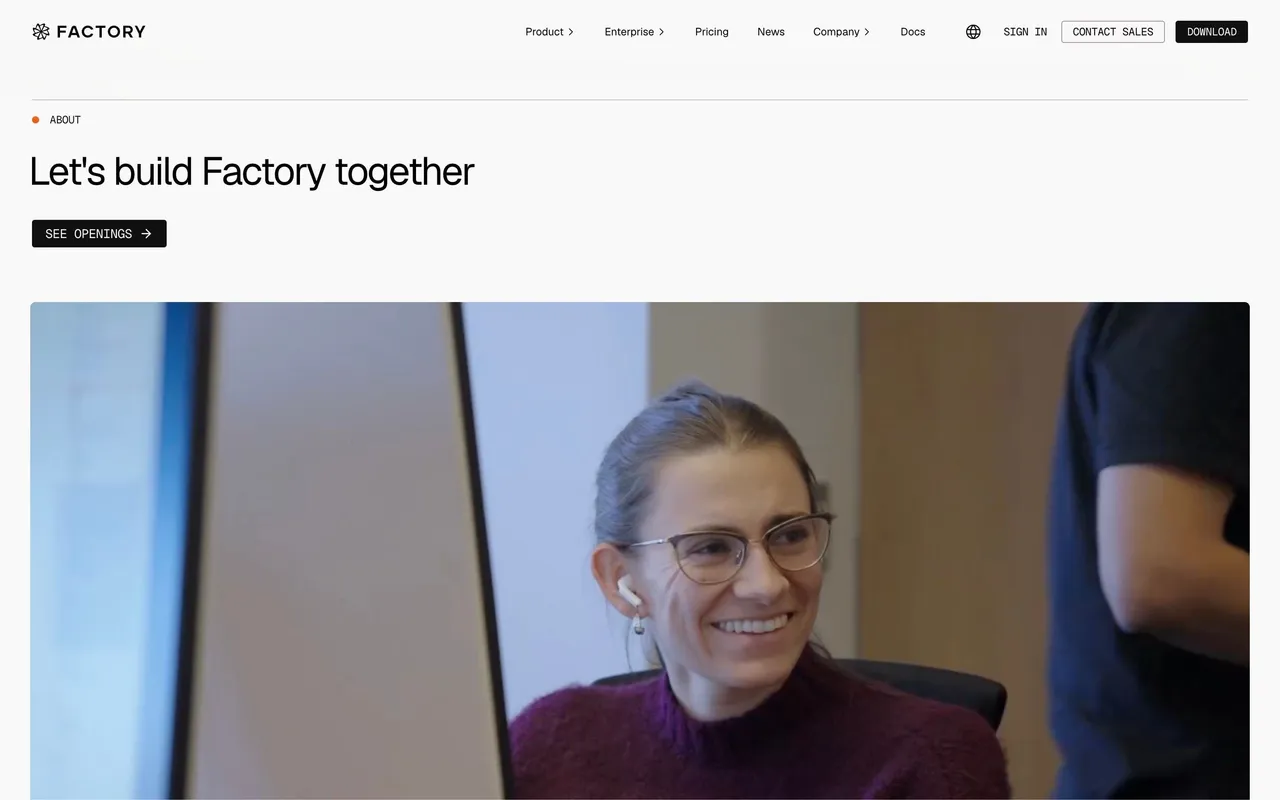
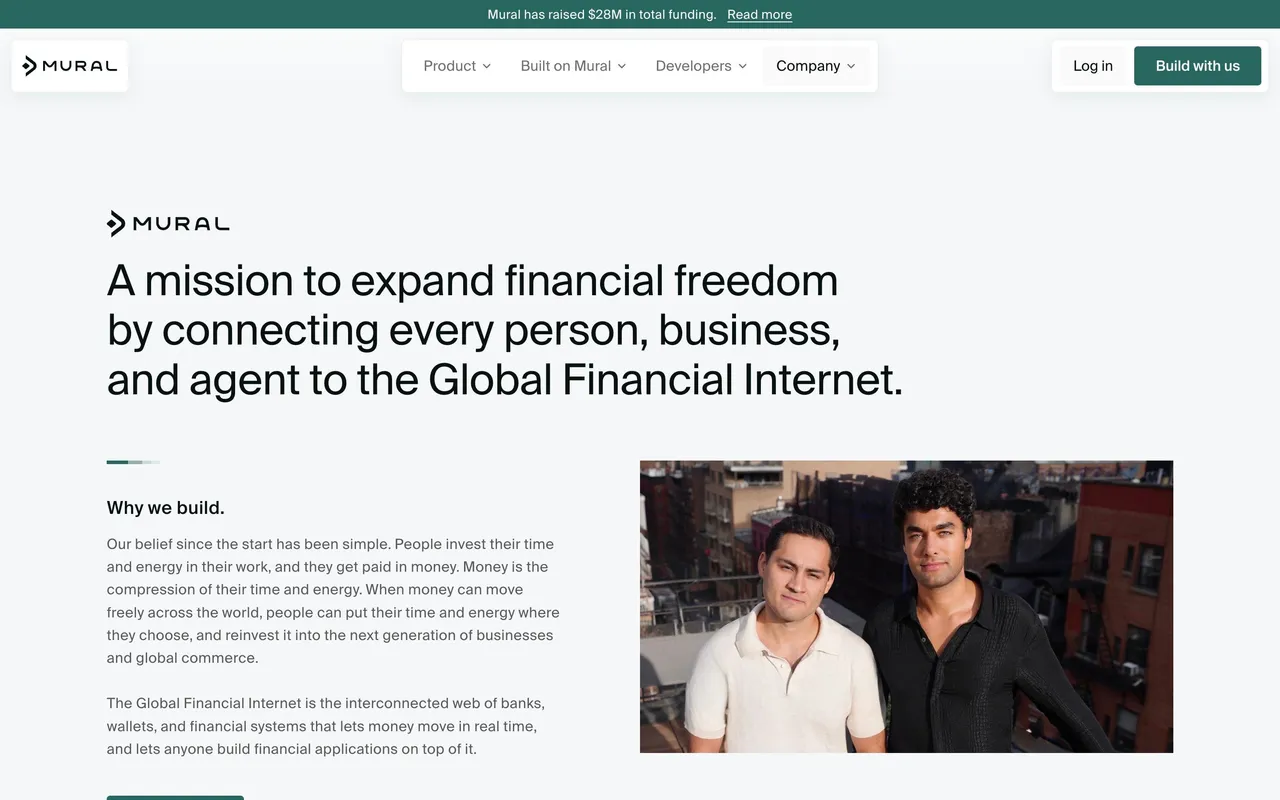
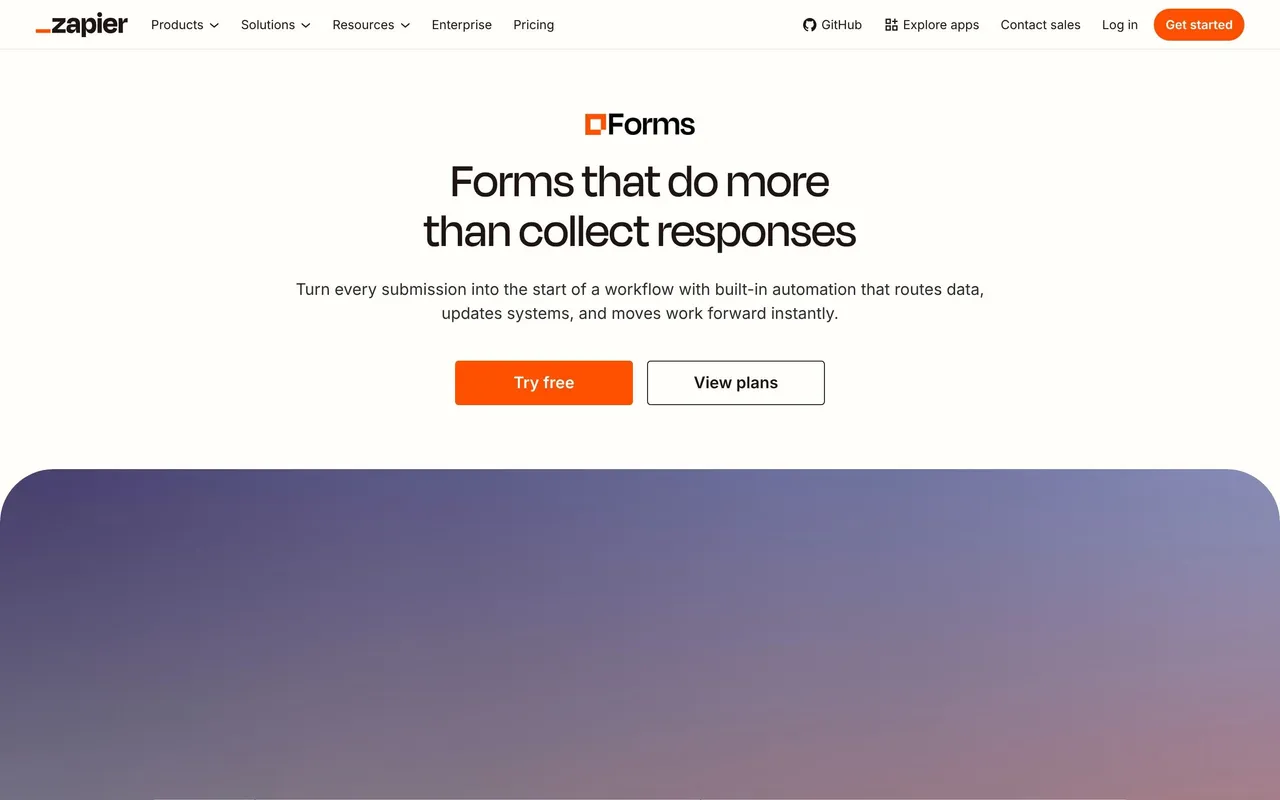
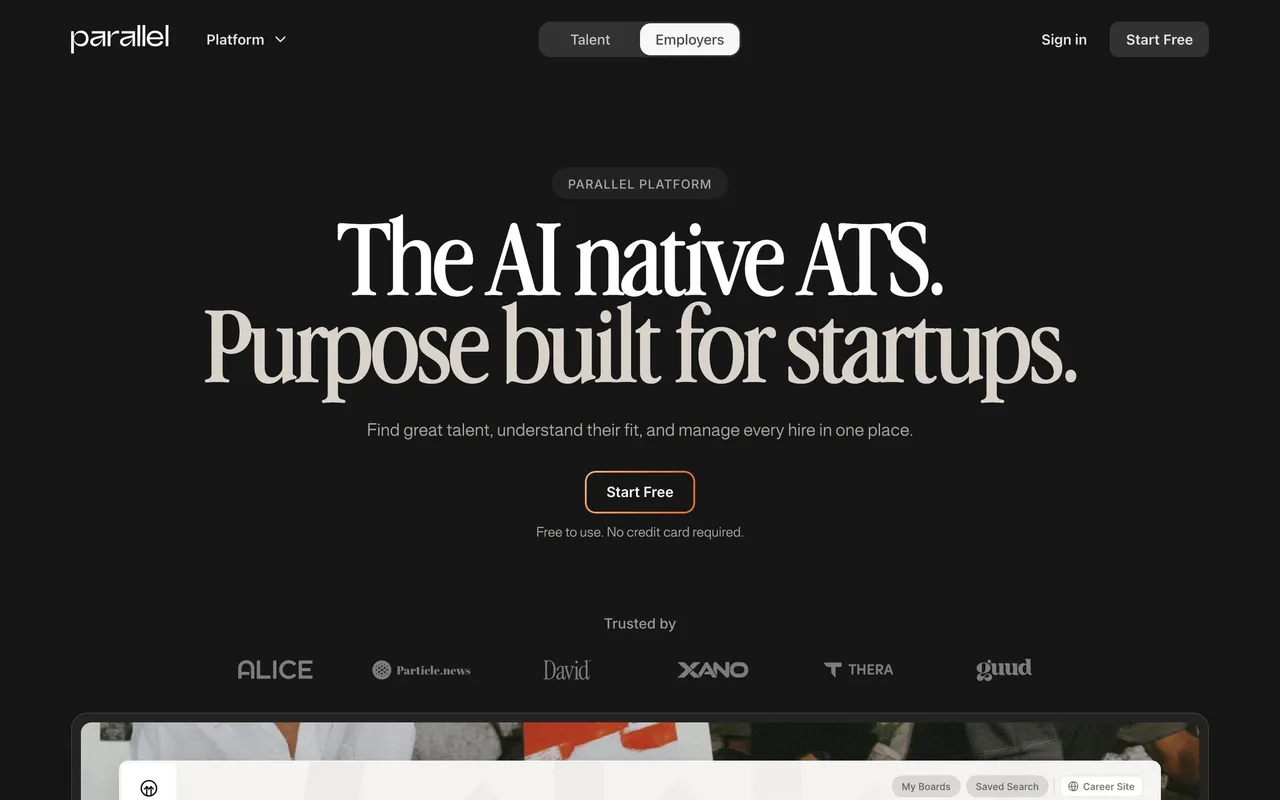
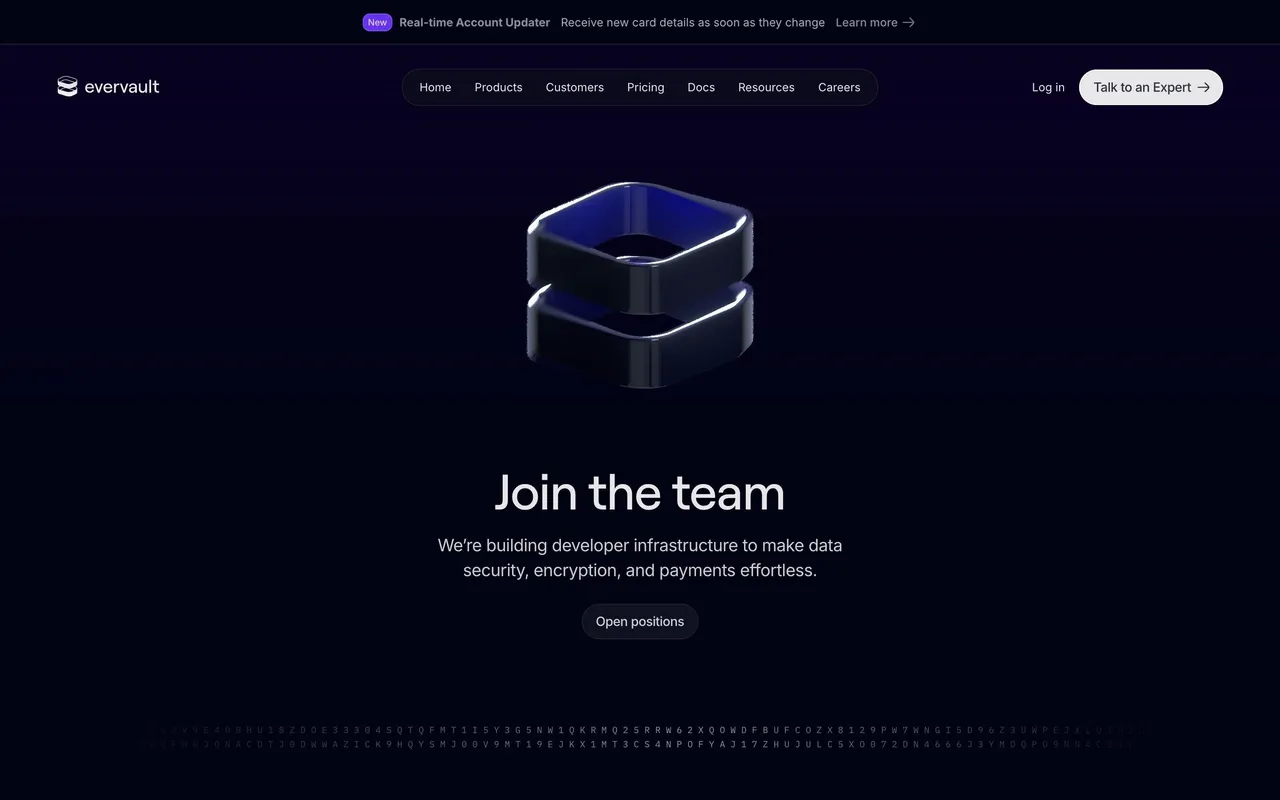
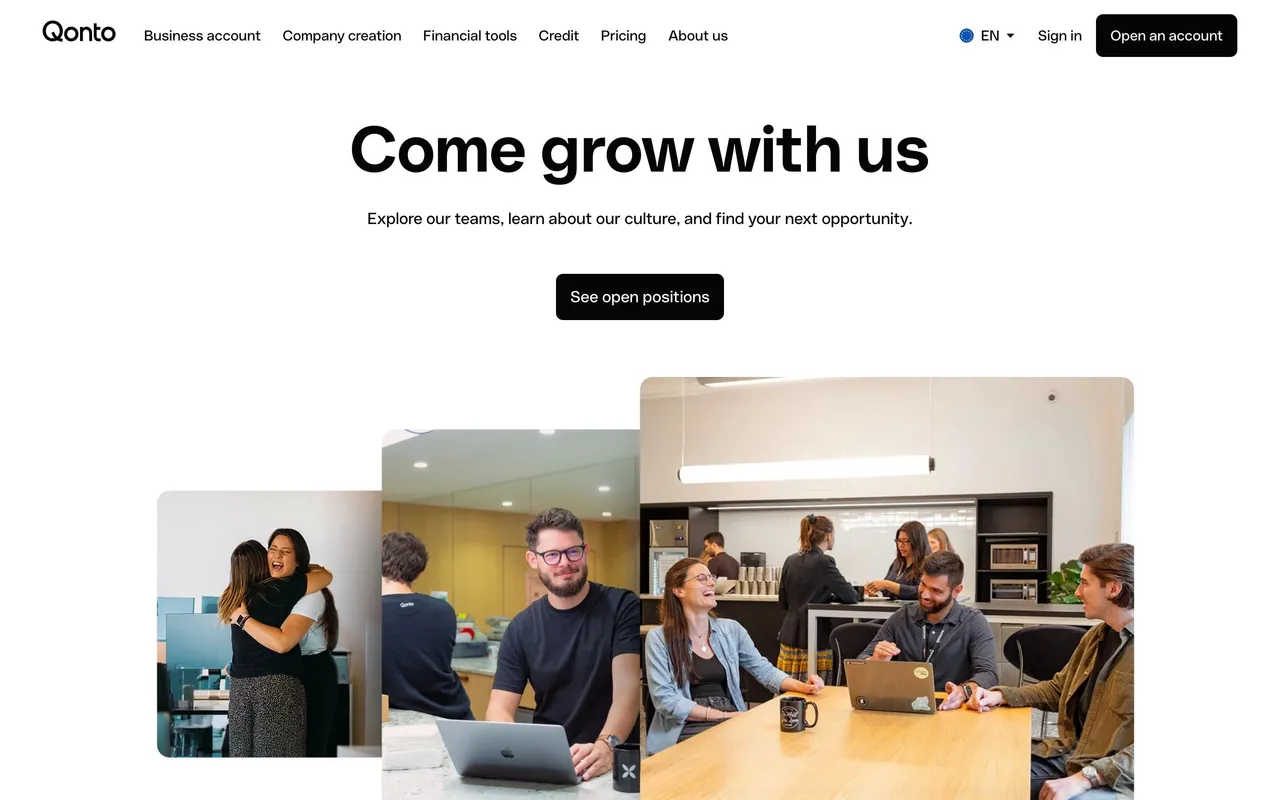
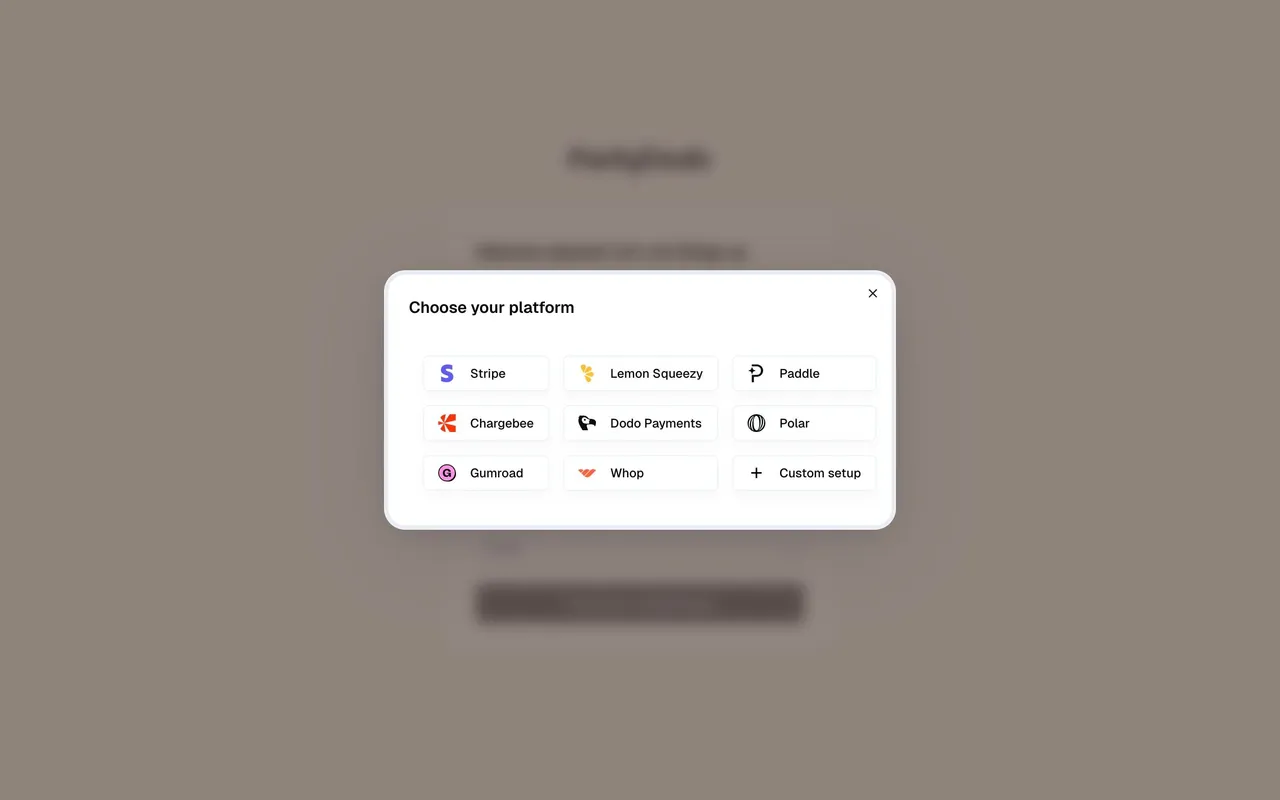
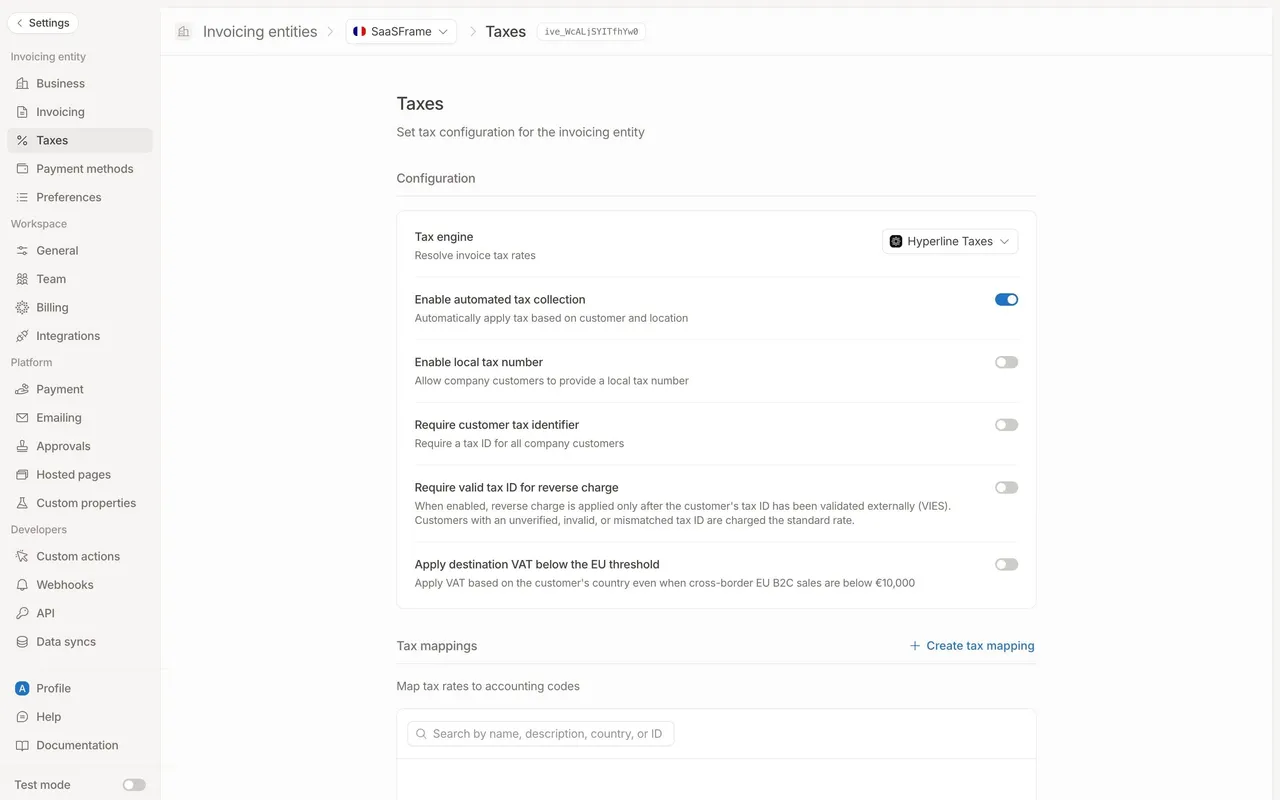
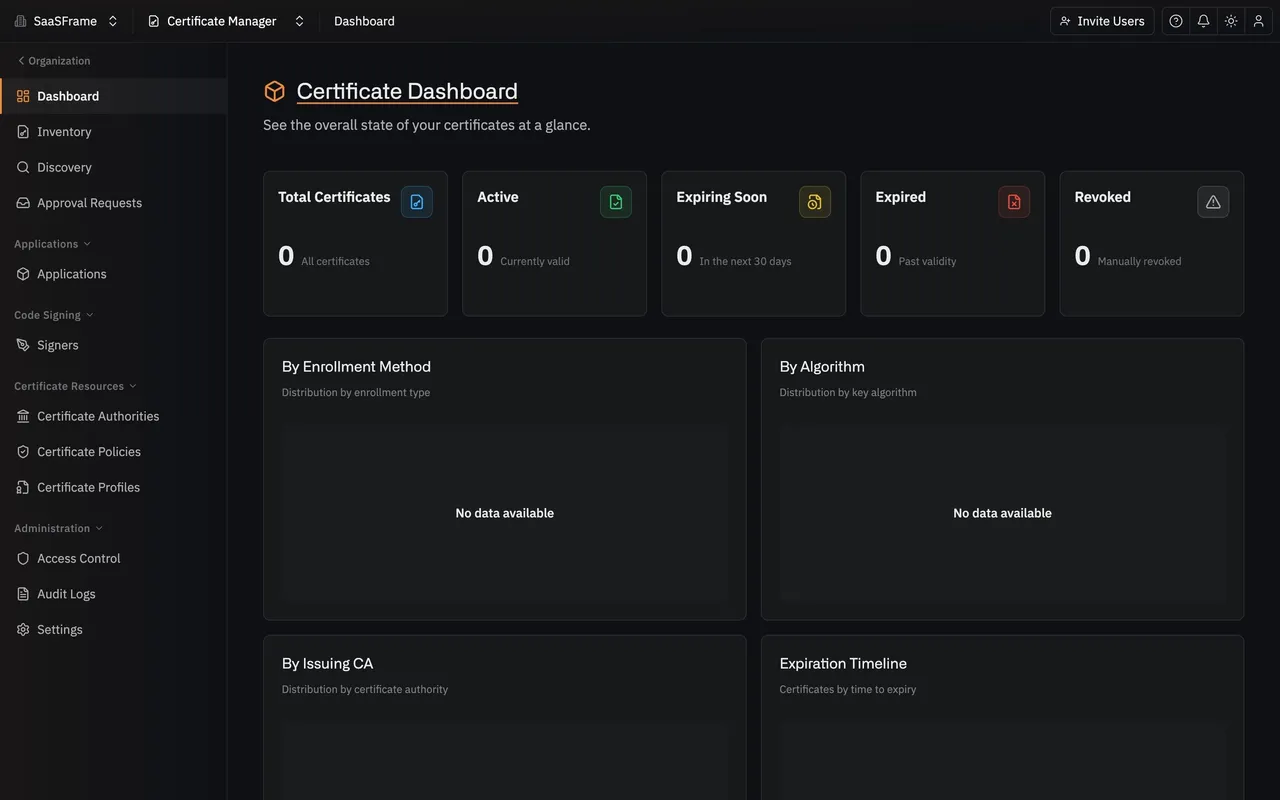
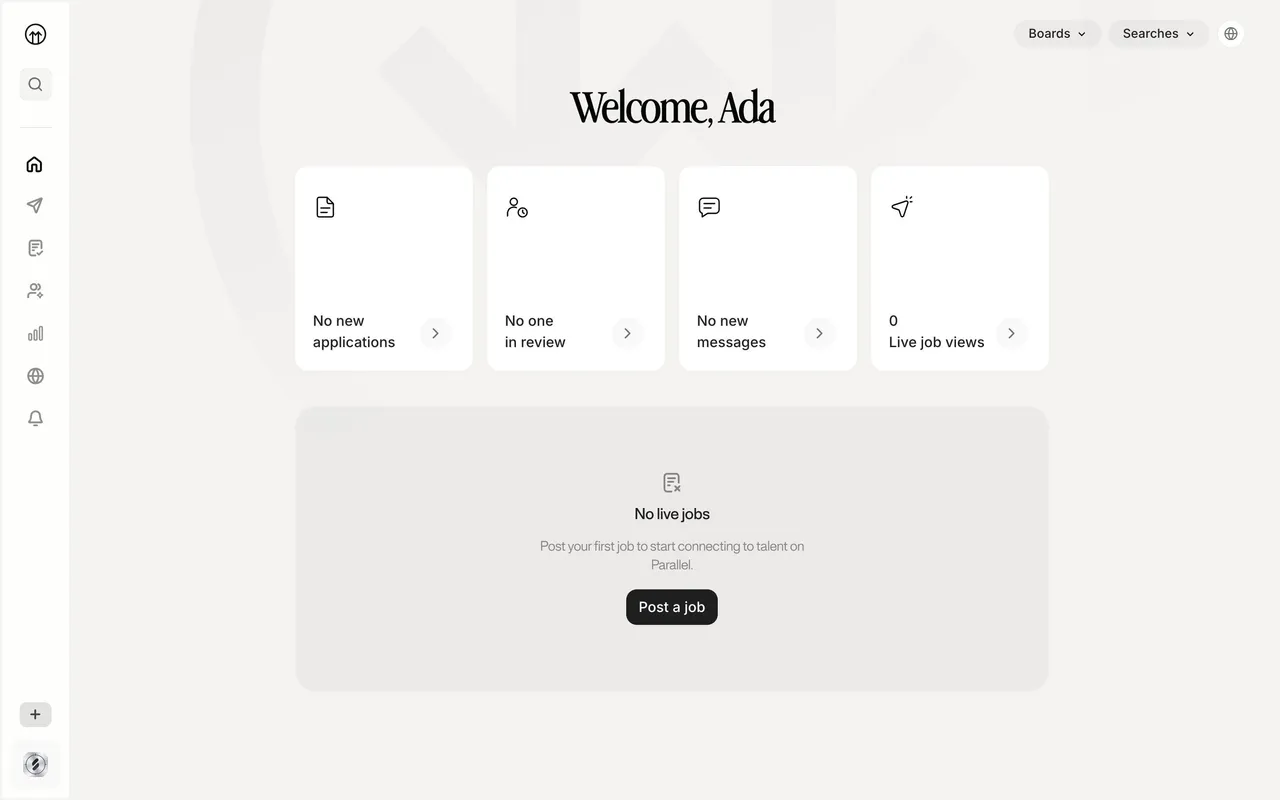
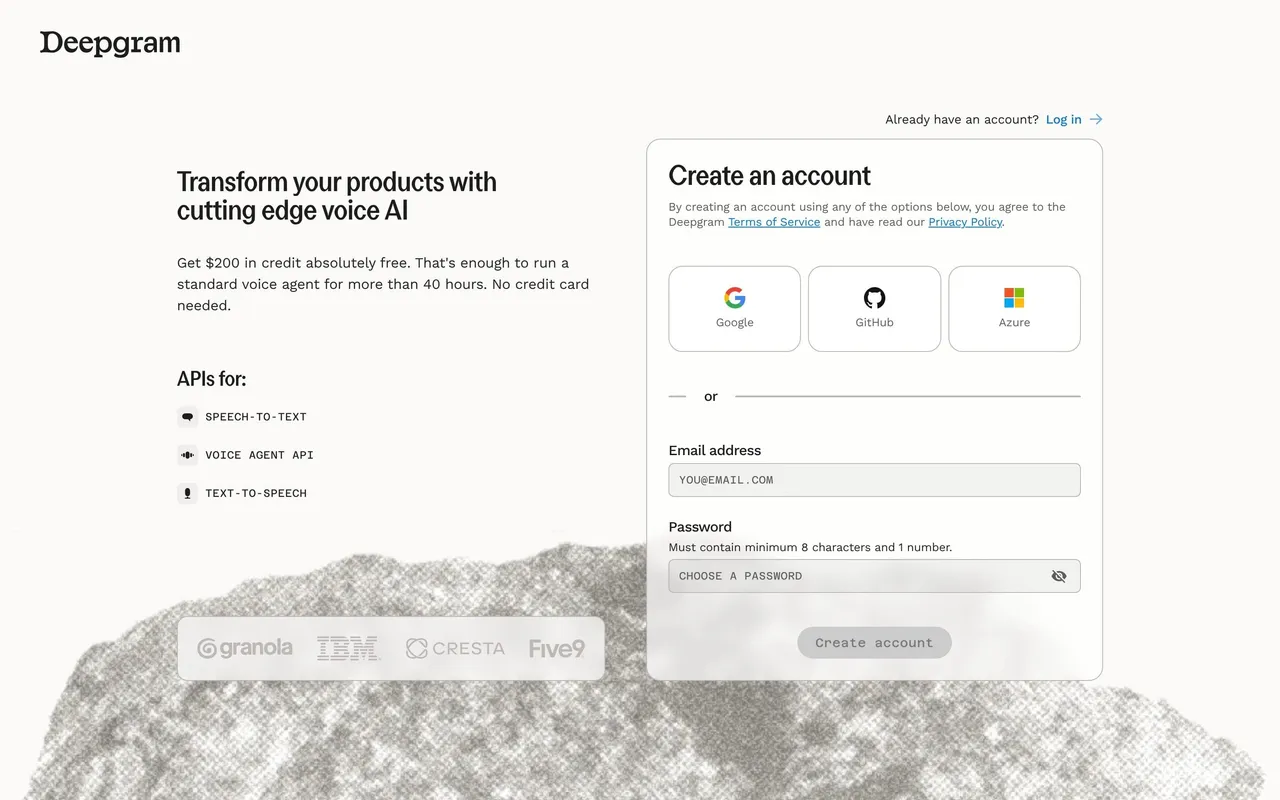
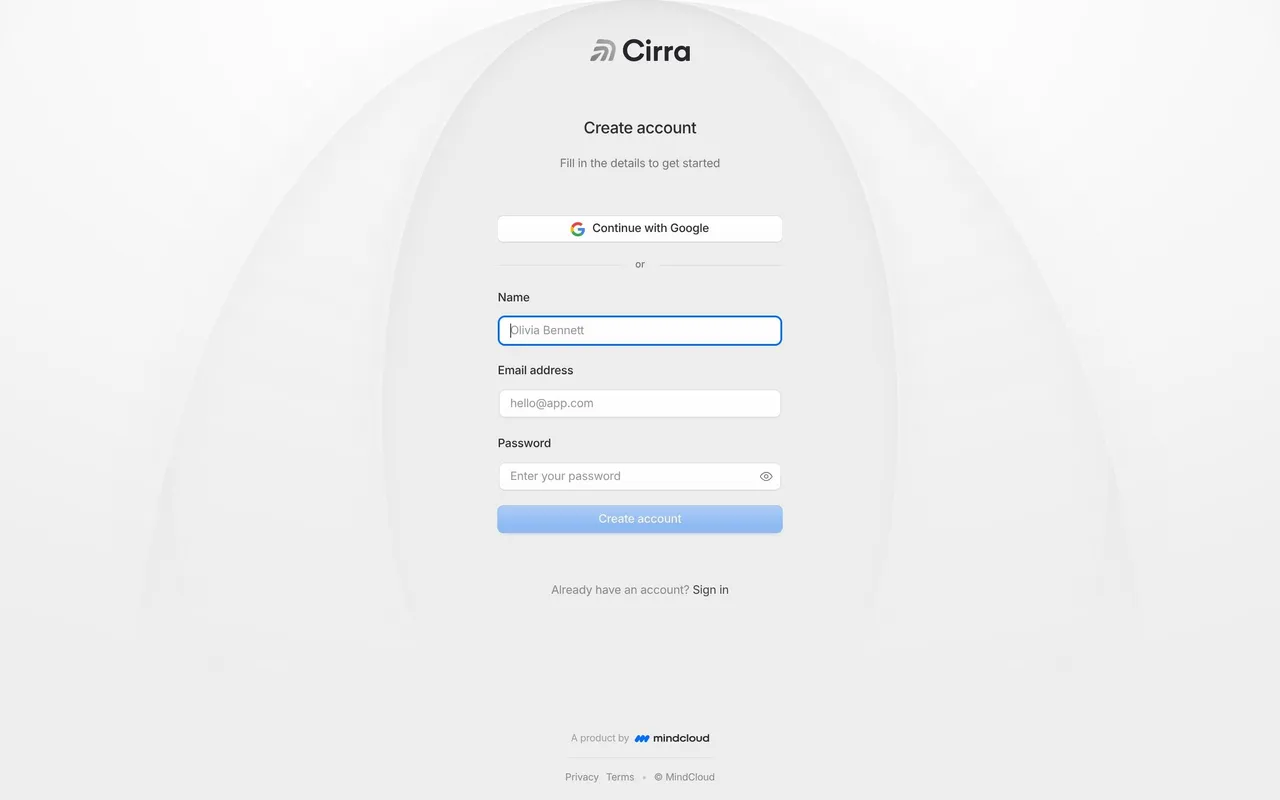
Explore patterns


Latest SaaS
All SaaS


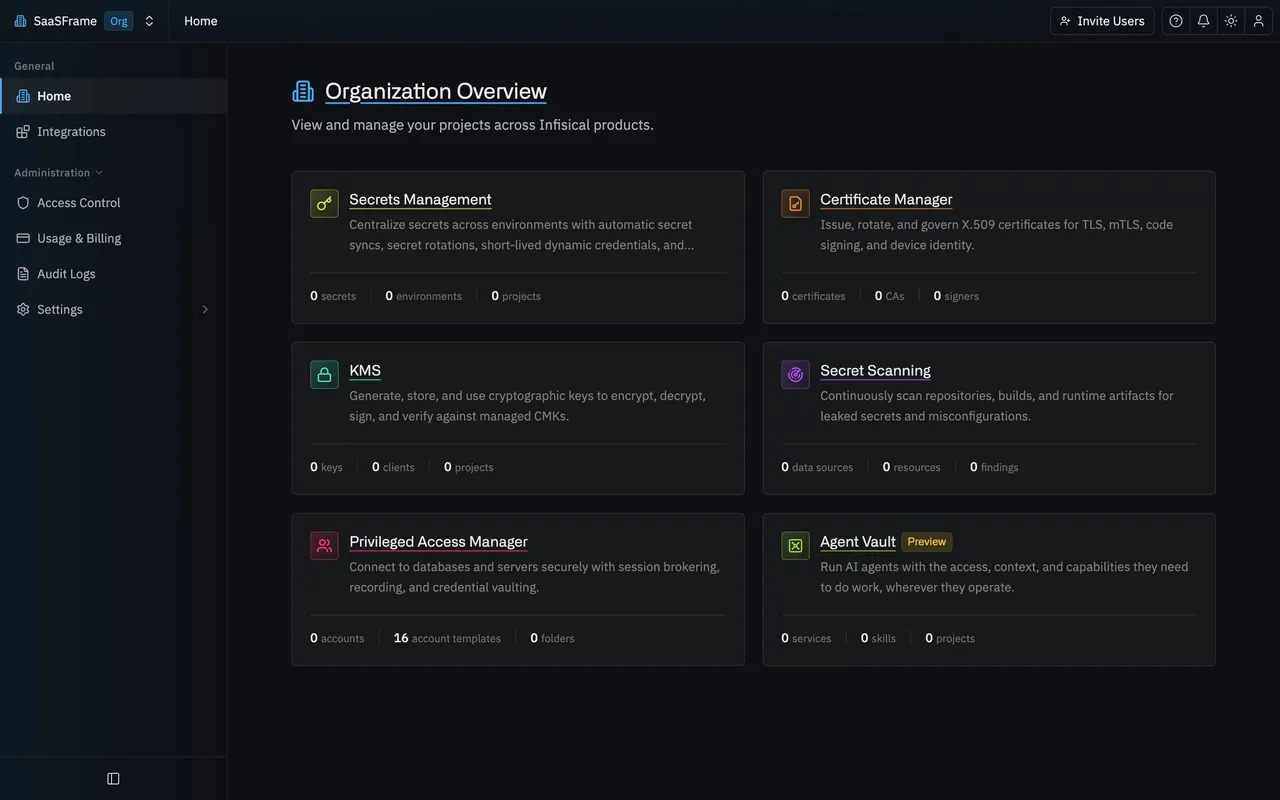

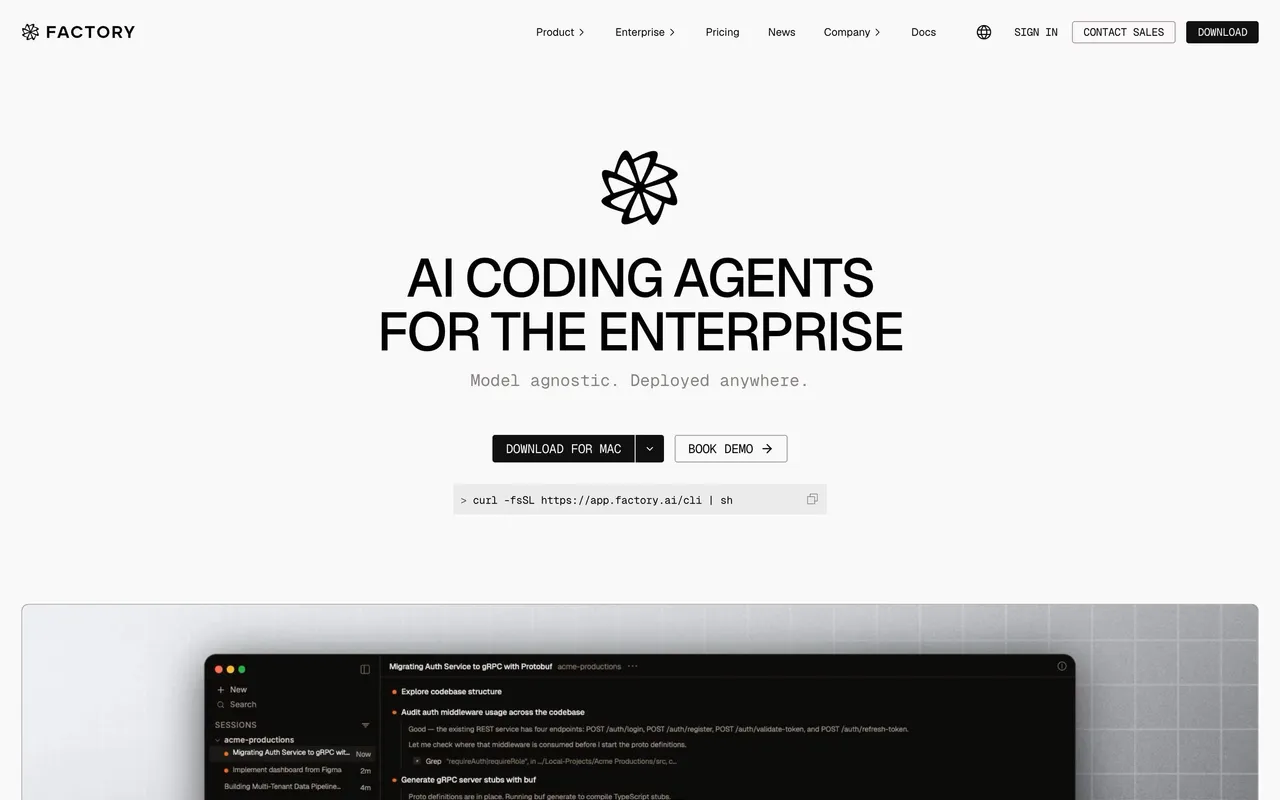


Why SaaSFrame
Everything you need to research SaaS design
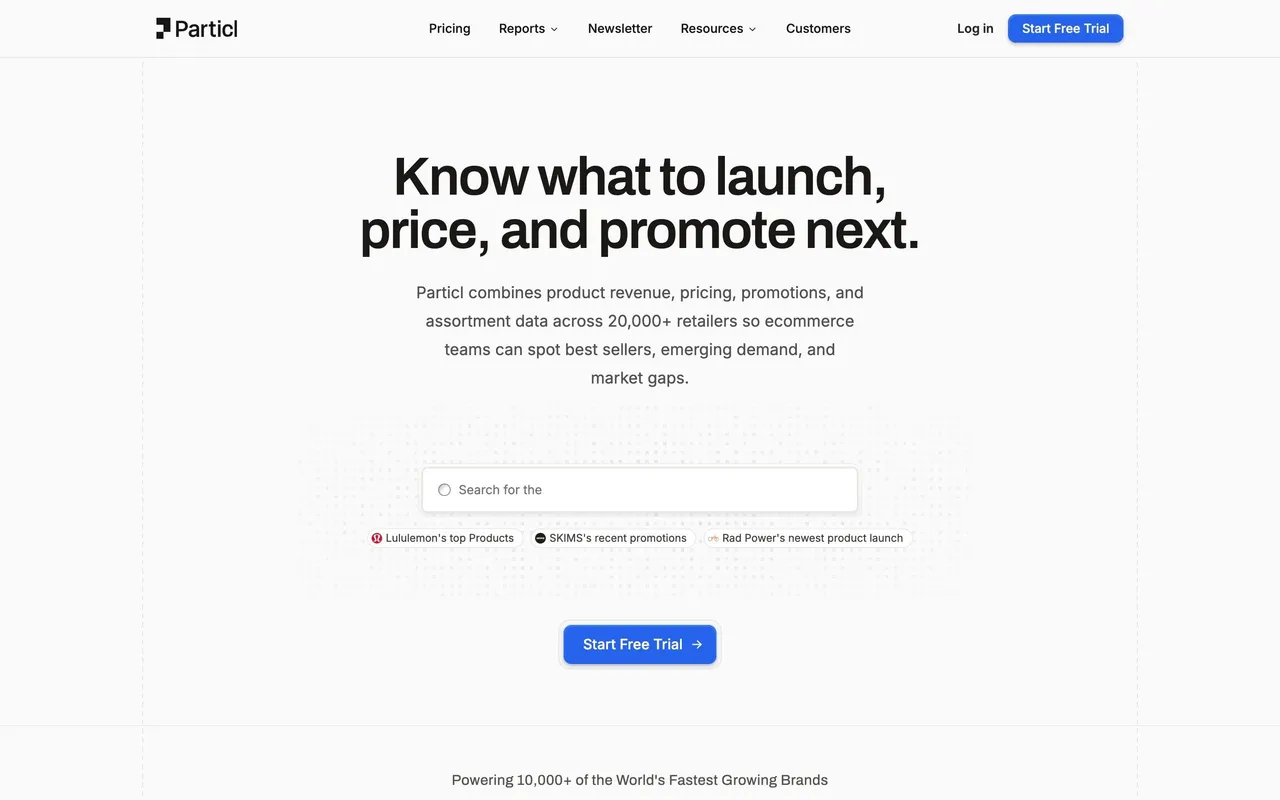
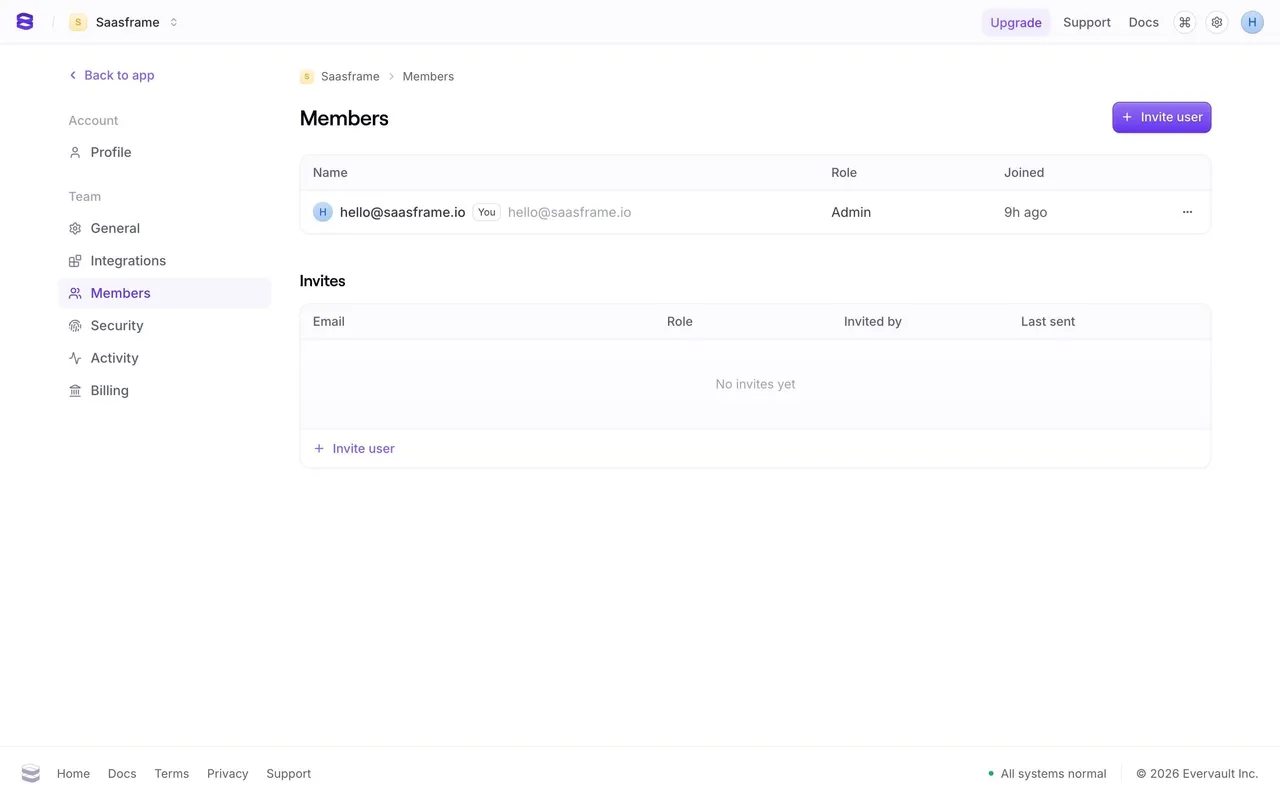
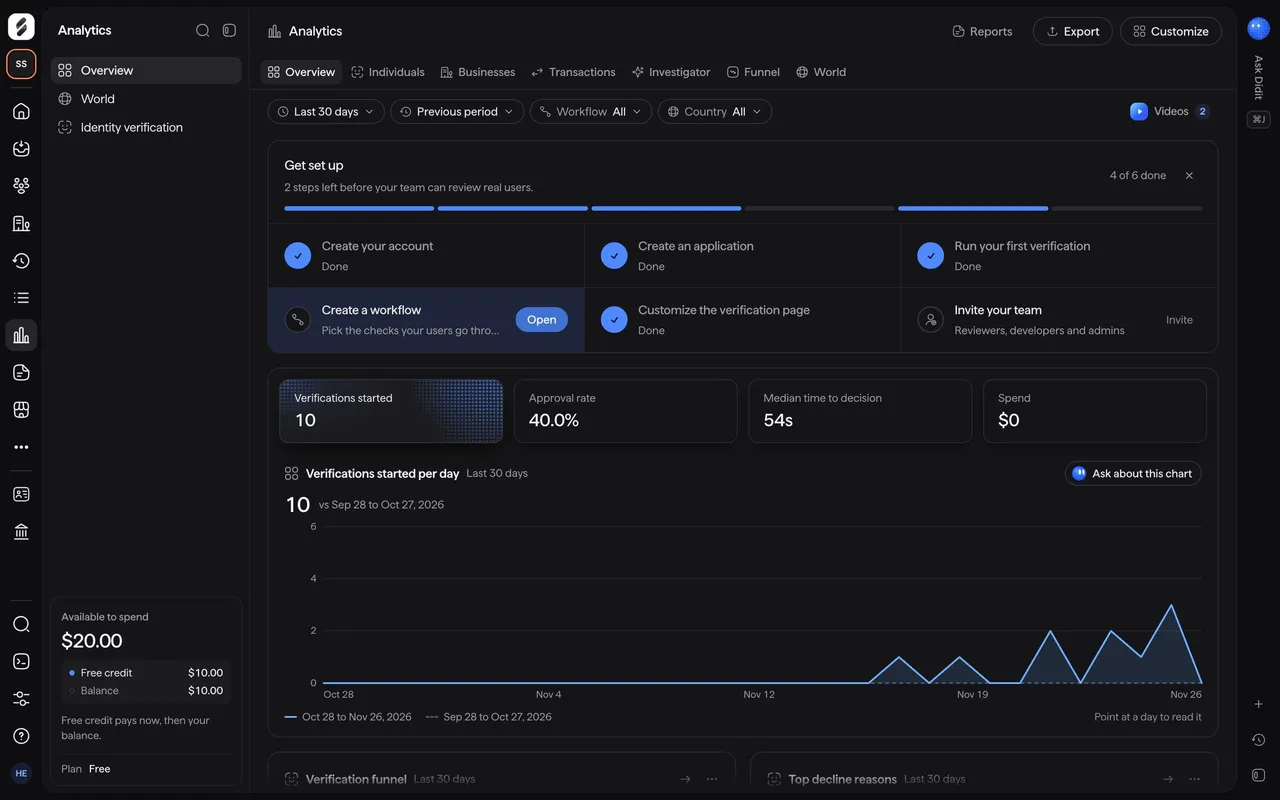
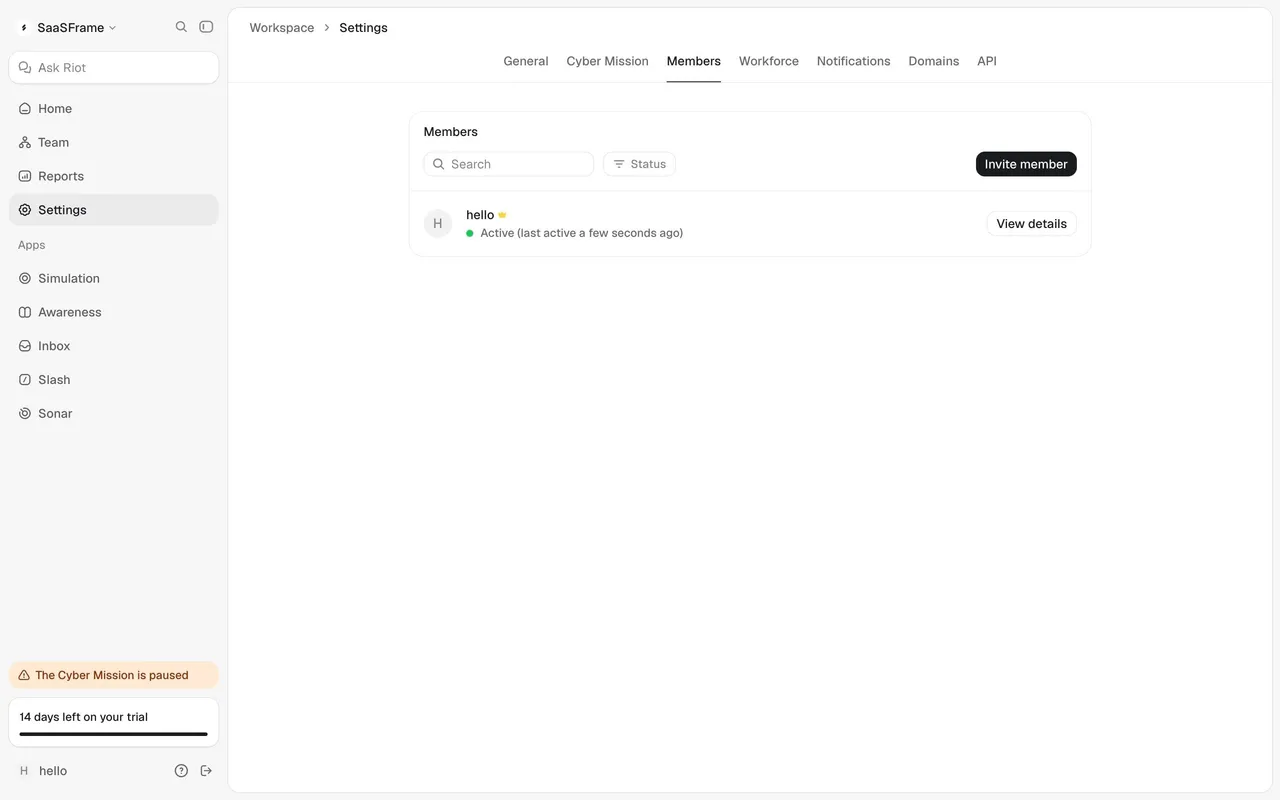
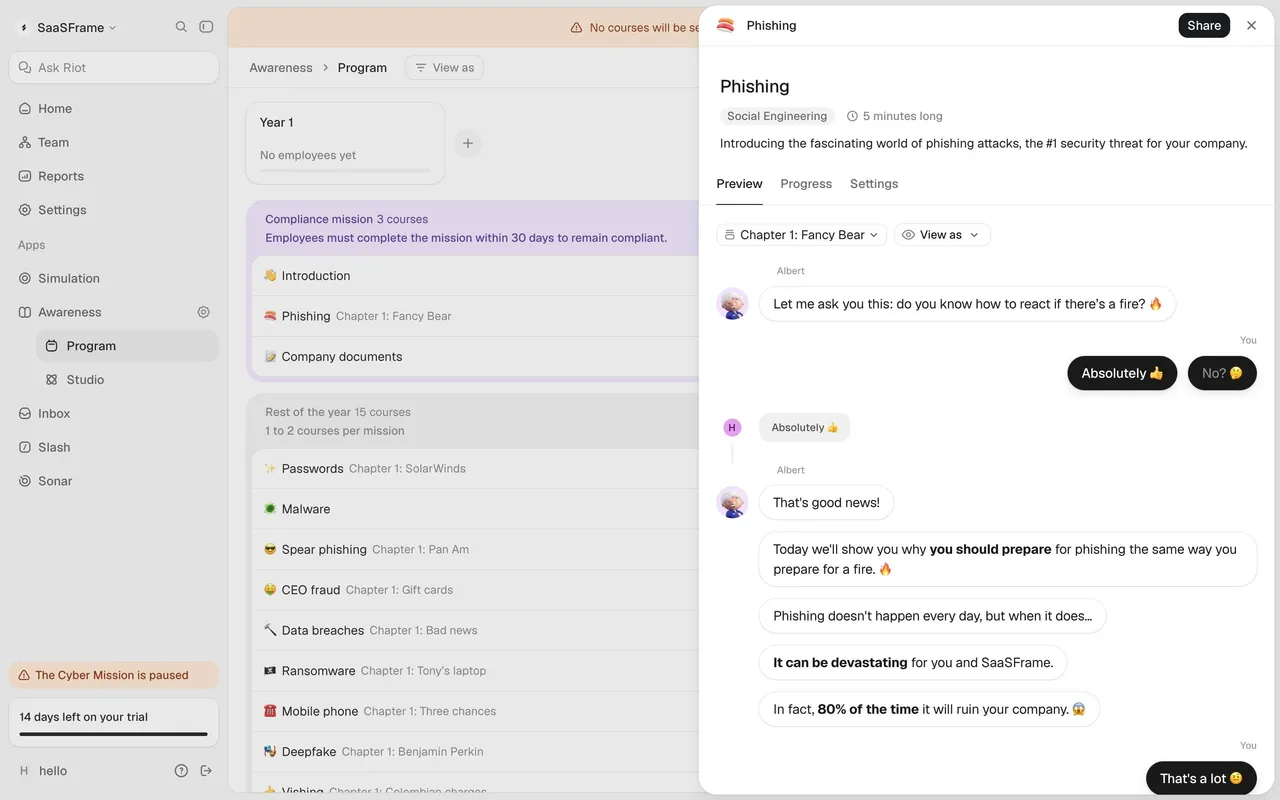
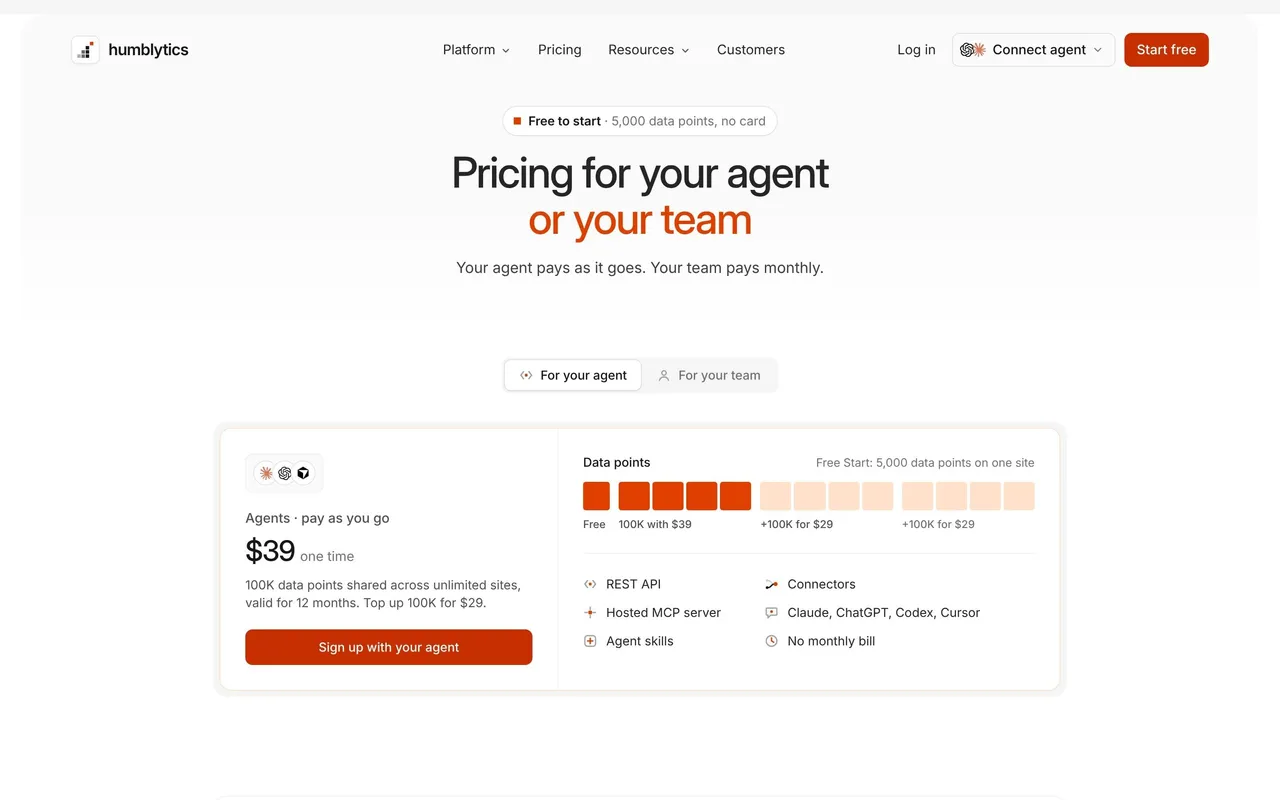
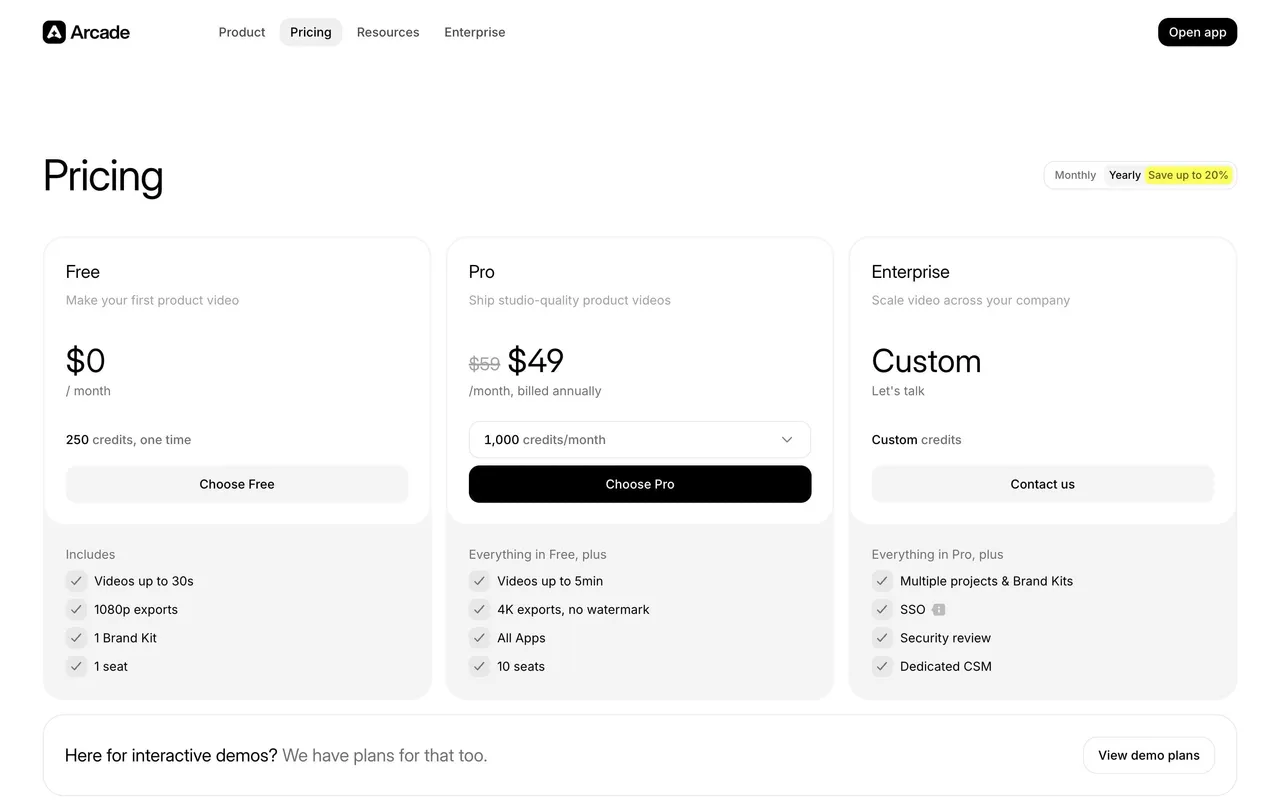
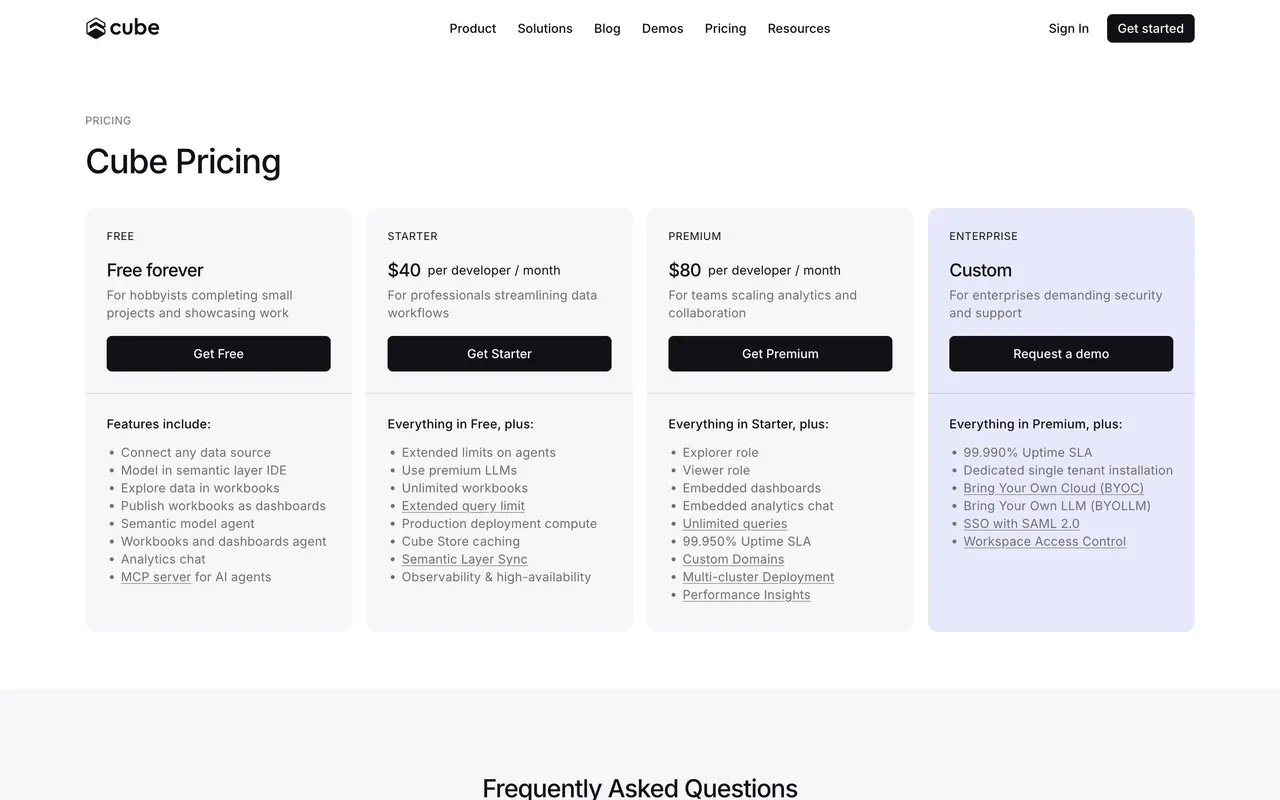
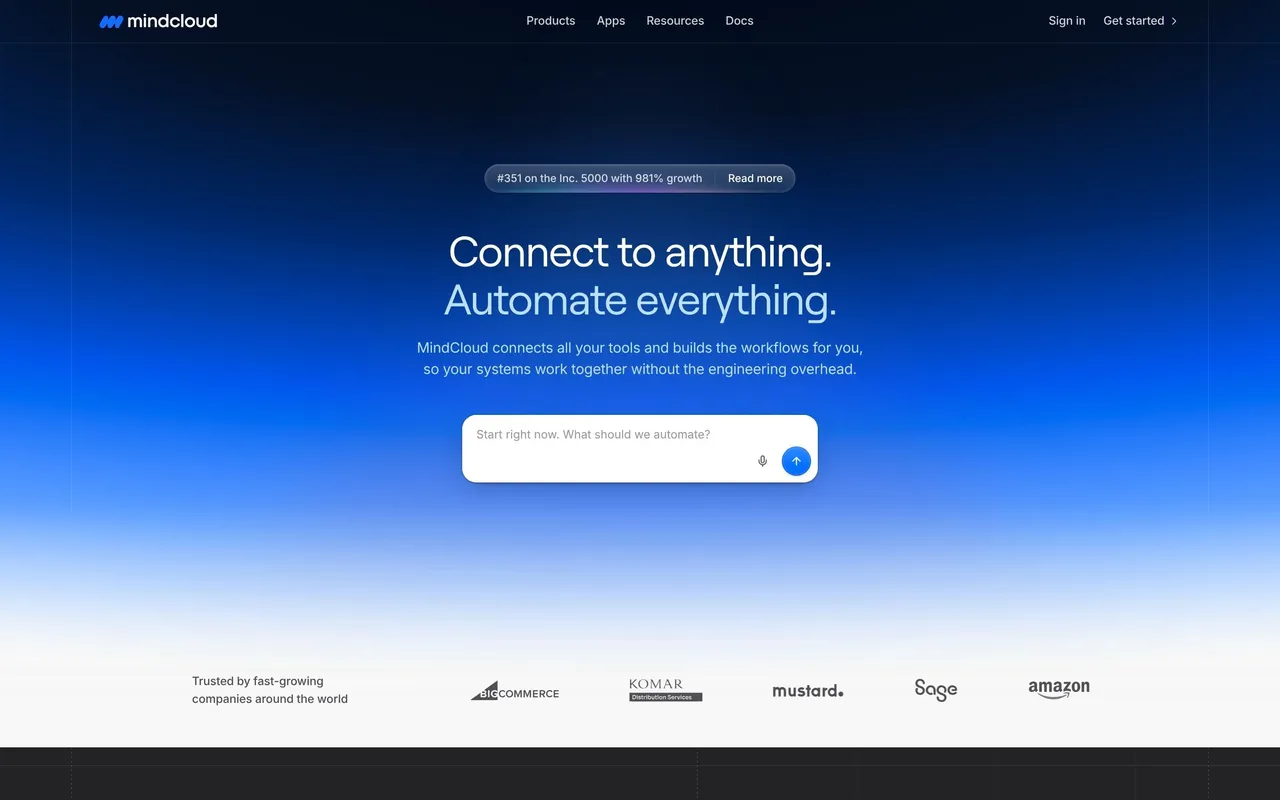
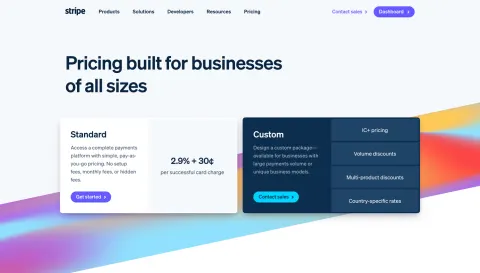
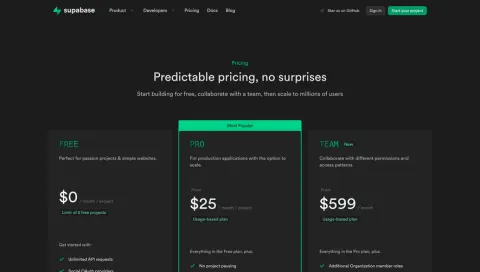
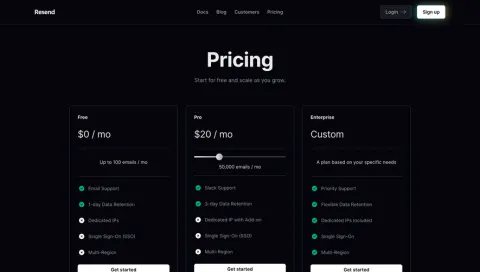
7,076 real SaaS screens, searchable
Website pages and product screens from 346 SaaS, tagged by hand and searchable down to the words inside each capture.
 Evervault
 Riot
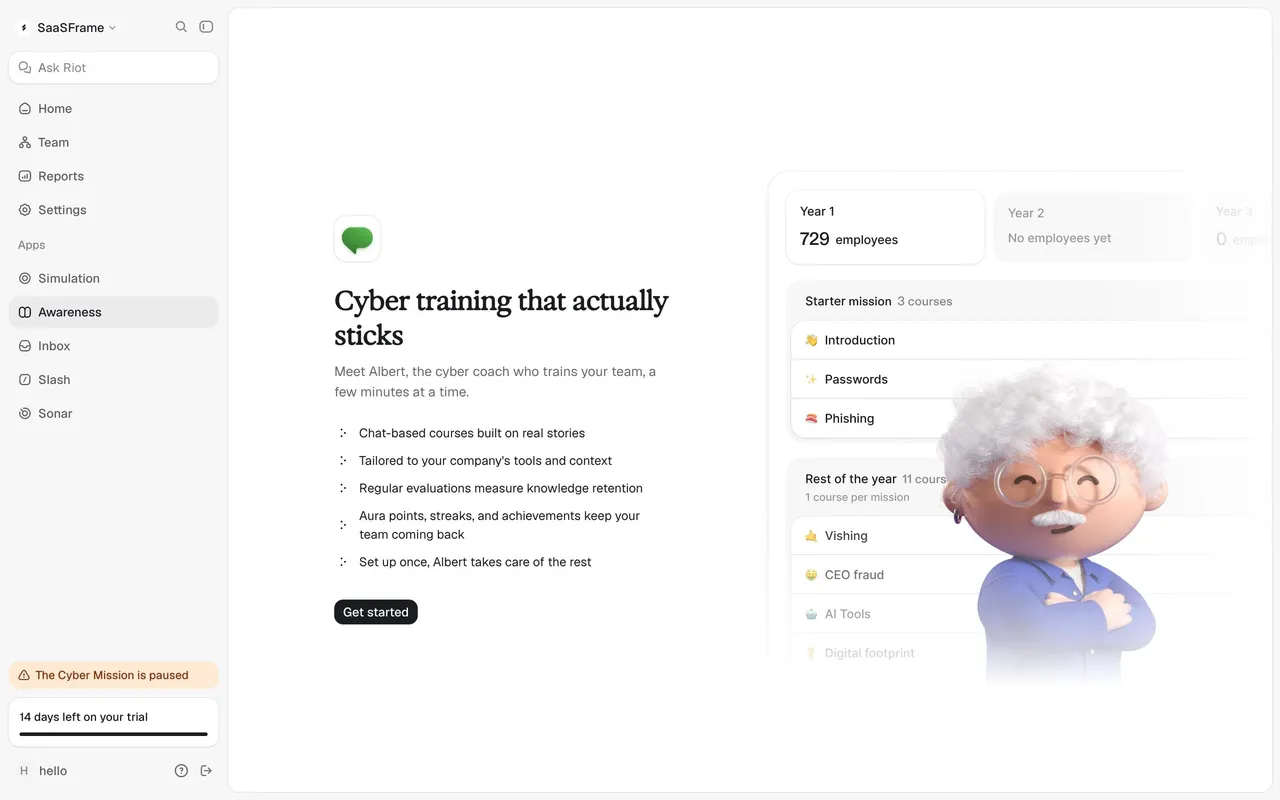
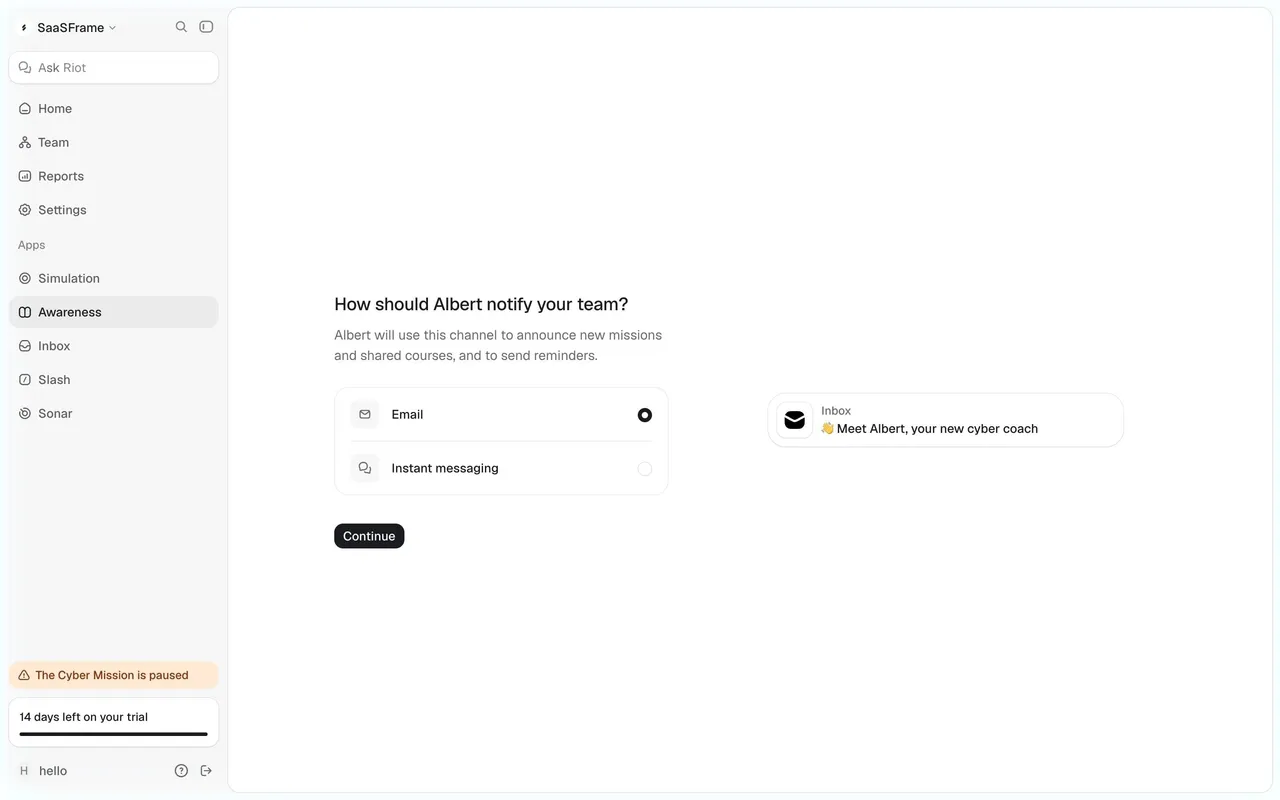
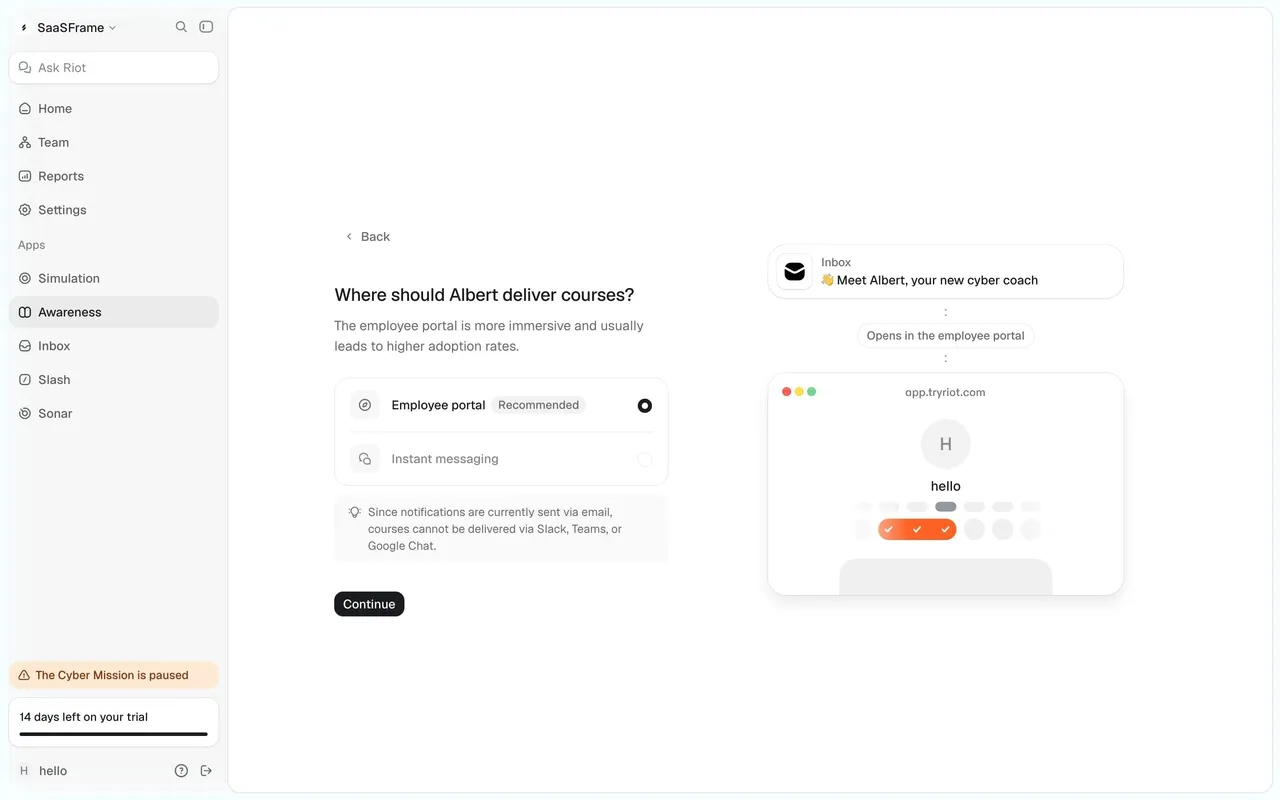
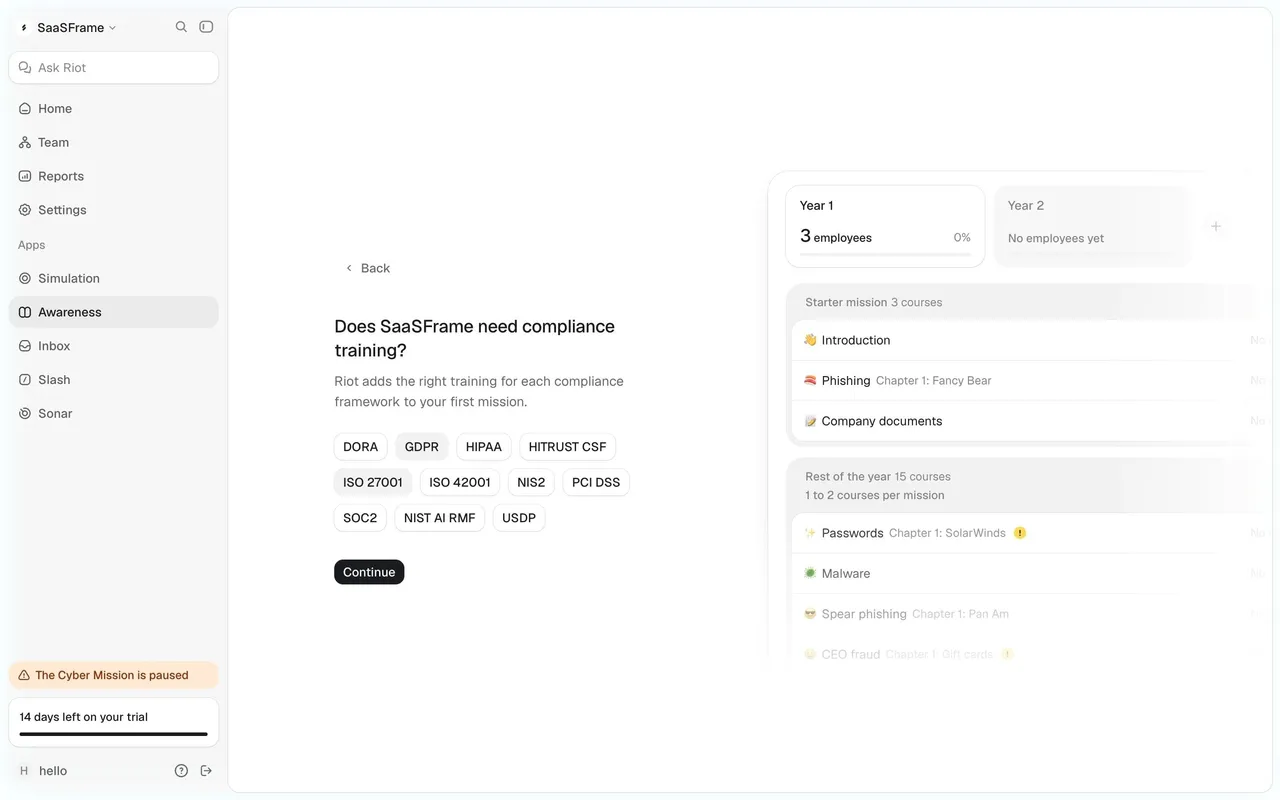
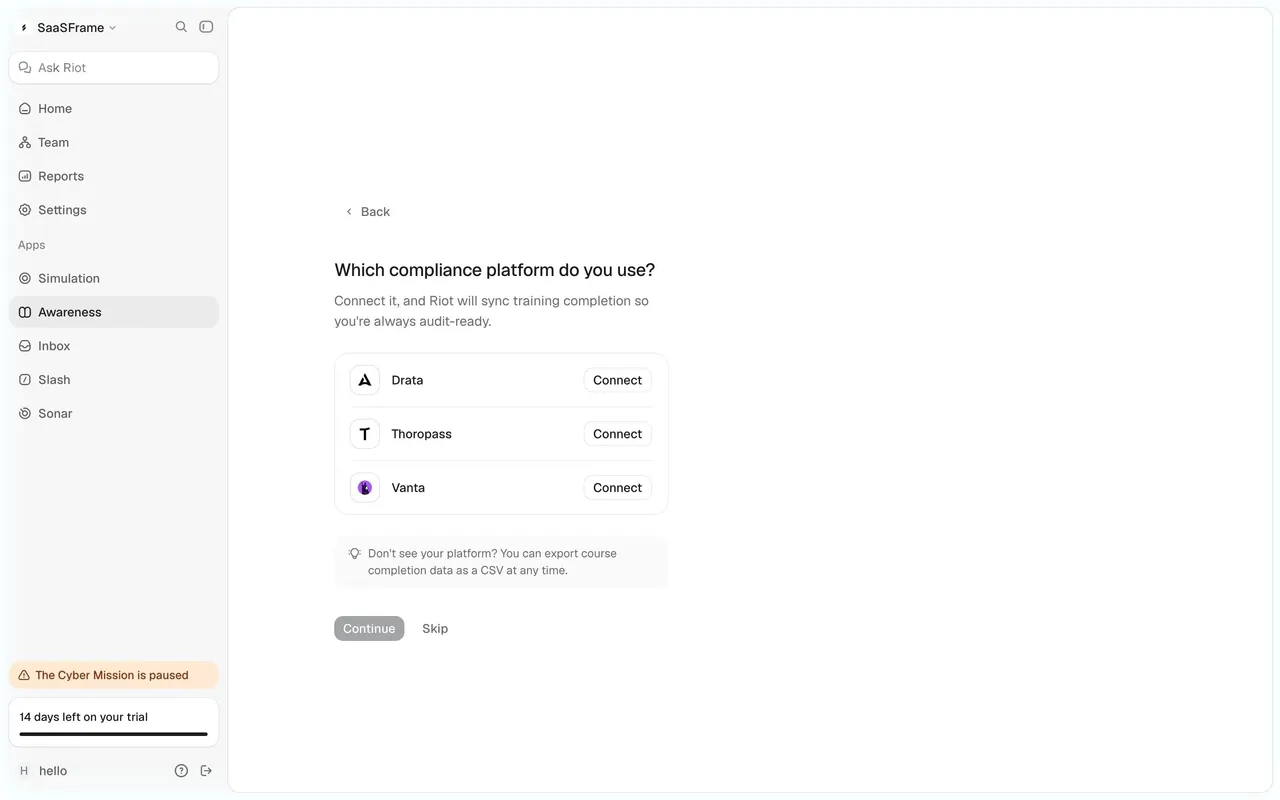
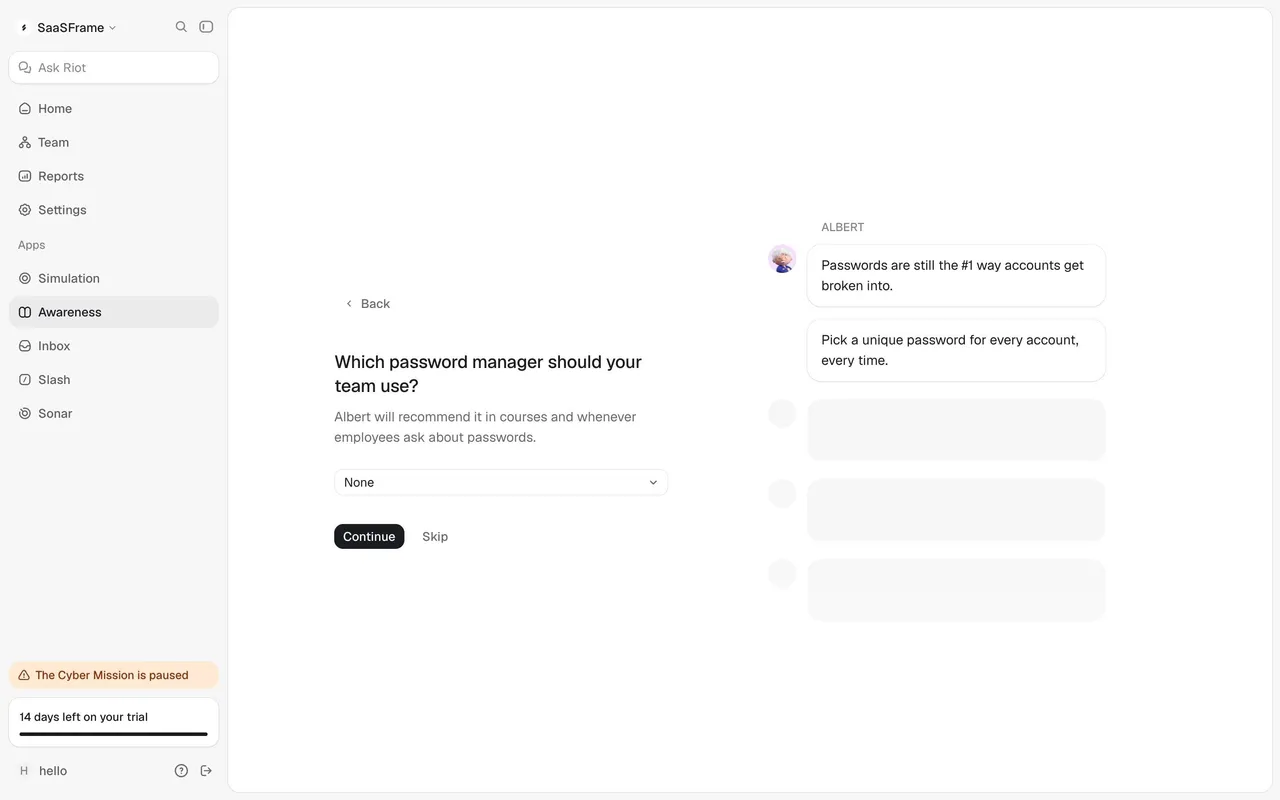
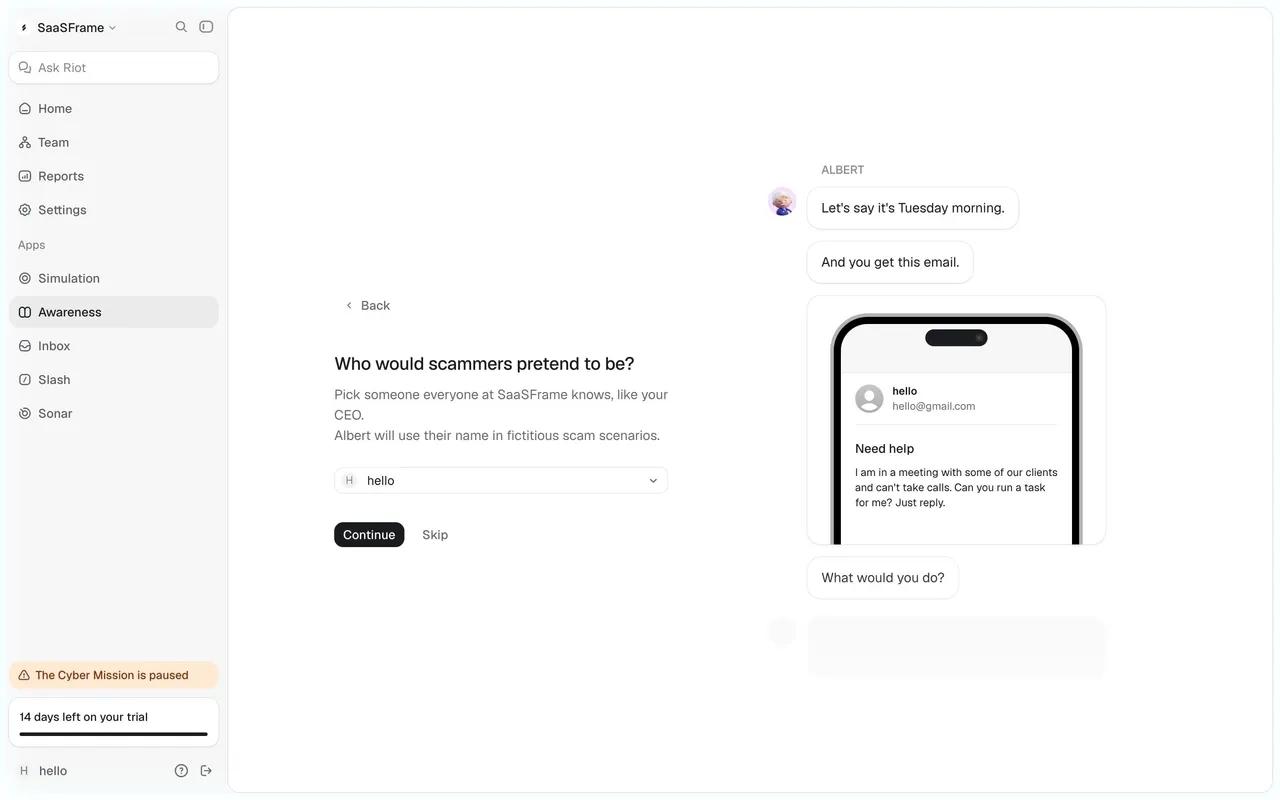
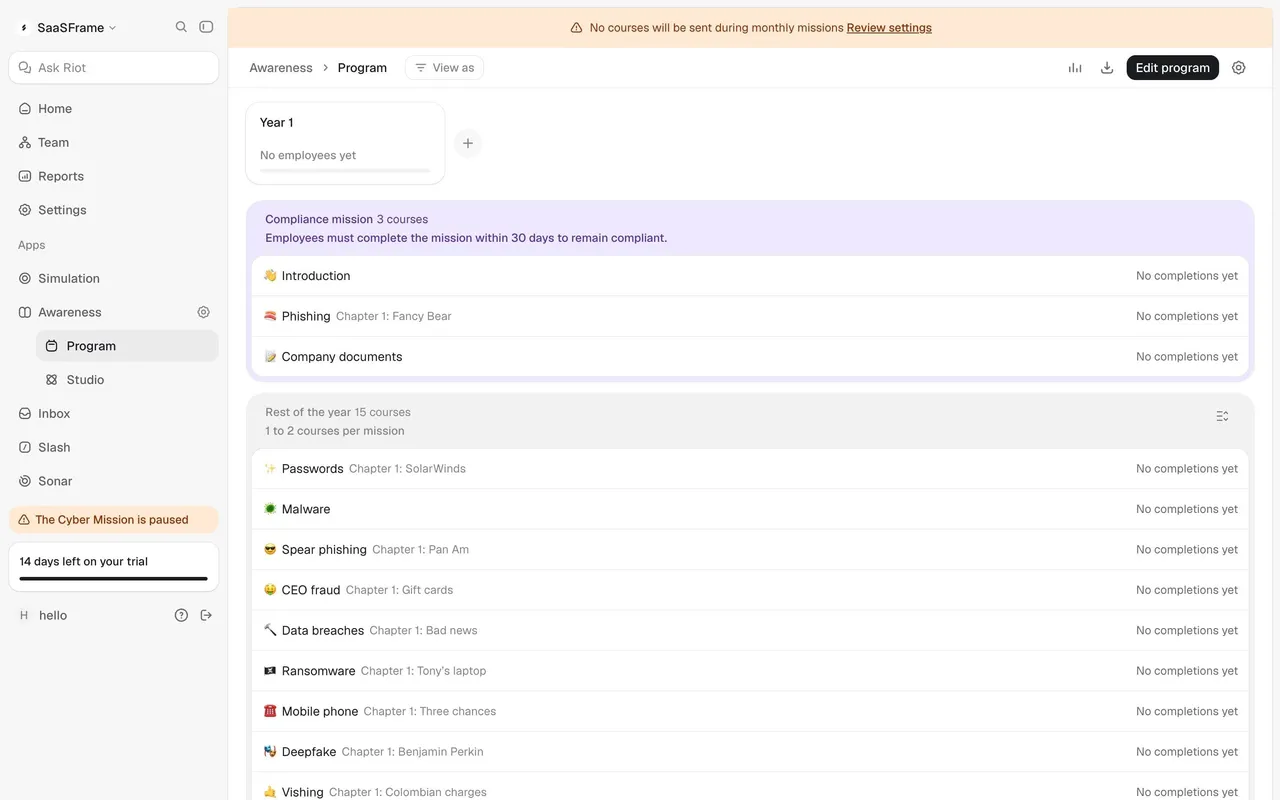
531 user flows
Real journeys captured screen by screen, from signup to settings.
Share your design research
Collect screens and pages with your team in shared collections, so everyone works from the same references.
Copy any design into Figma, Webflow, Framer and more
Copy a screen from the library, or any website with SaaSFrame for Chrome, as editable layers or as code.

Real references for your AI agent
Connect SaaSFrame to Claude, ChatGPT or Cursor. Your agent looks up real screens, reads their measured design and builds from them.
Frequently asked questions
What is SaaSFrame?
SaaSFrame is a UI and UX design inspiration library dedicated to SaaS. It collects real screenshots of SaaS websites and product interfaces, organised by category, pattern, industry and user flow, so designers and founders can study what the best products ship.
Where do the screens come from?
Every screen is captured from the live website or product of a real SaaS company, then tagged by hand with its category, UX patterns, theme and tech stack. New screens are added every week.
Can I copy a design into Figma?
Yes. With SaaSFrame Pro, Remix puts any screen on your clipboard as editable Figma layers to paste straight into Figma (or as code, Webflow or Framer), and some screens also offer their Figma file to download.
Is SaaSFrame free?
You can browse the library, search screens and explore patterns for free. SaaSFrame Pro unlocks every screen in each list, full user flows, the MCP for your AI tools and unlimited exports with the SaaSFrame for Chrome extension.
How do I search for a specific UI?
Use the search bar (⌘K) to type a SaaS, a category, a pattern or any words that appear inside a screen. Filters for type, category, pattern, SaaS, industry and theme narrow the results and show how many screens match.


Design with the best SaaS as your reference.
7,076 screens, 531 flows and every pattern from 346 SaaS. Copy their Figma designs with Pro.